How to create a proforma invoice for export in Bilexor
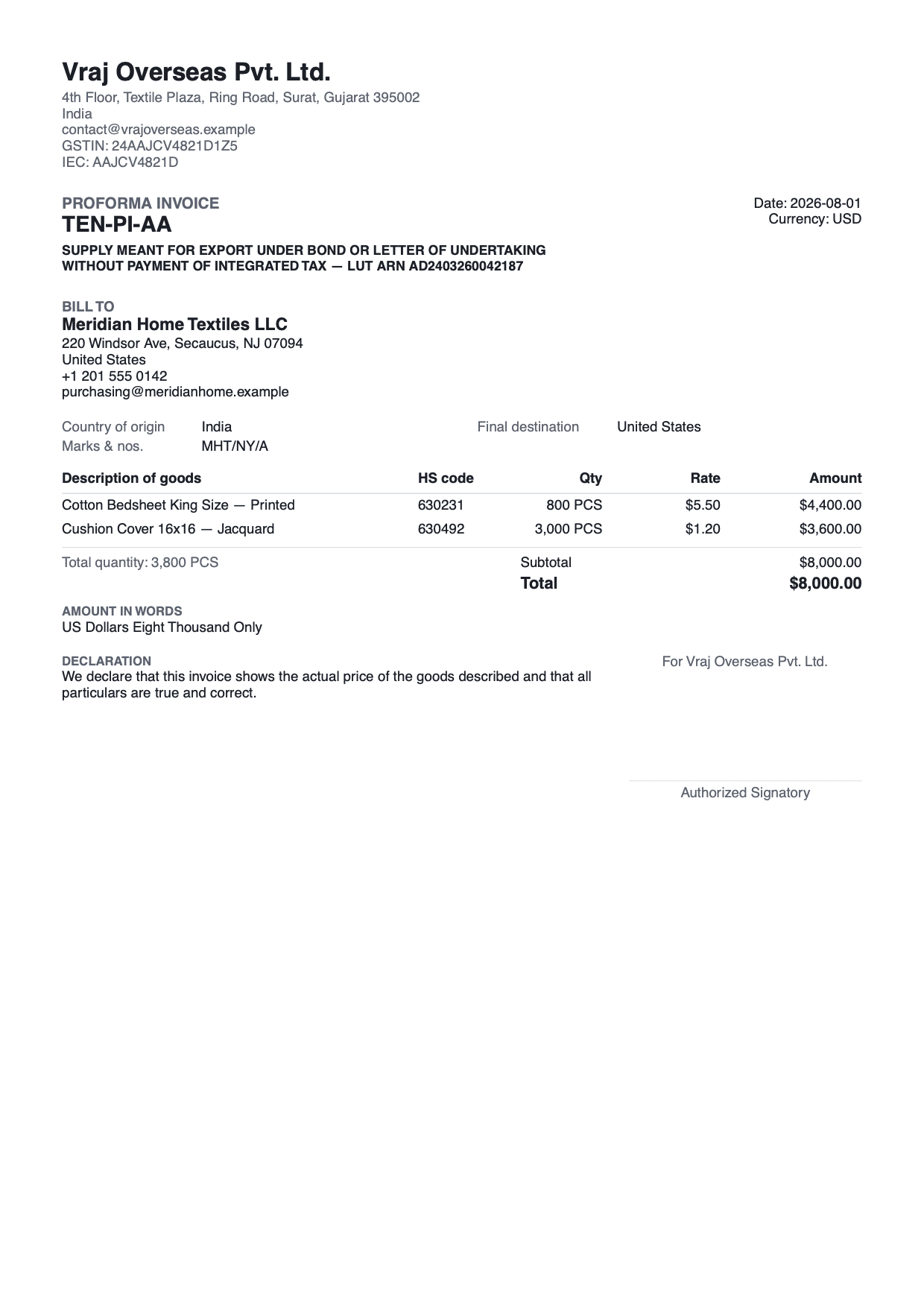
Tap + on Home or Documents, pick the customer and fill in the shipment details, choose Proforma invoice, add your items with quantities, rates and HS codes, then review and save. Share the PDF straight from the document. When the order ships, convert the proforma into the commercial invoice in one tap.
Step by step
Tap + on Home or Documents.
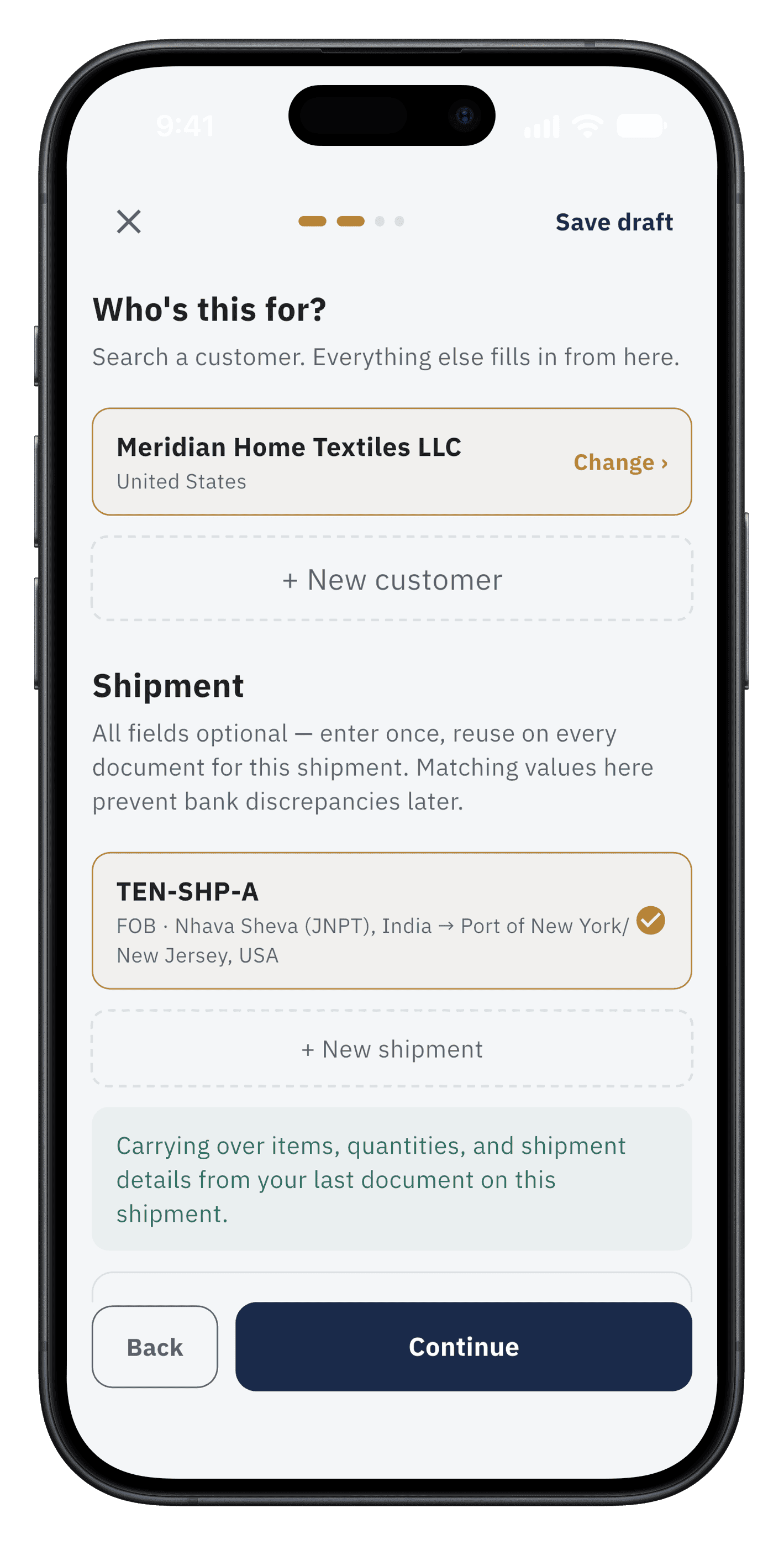
Search a customer — “everything else fills in from here”. Under Shipment, enter details once to reuse them on every document for this shipment.
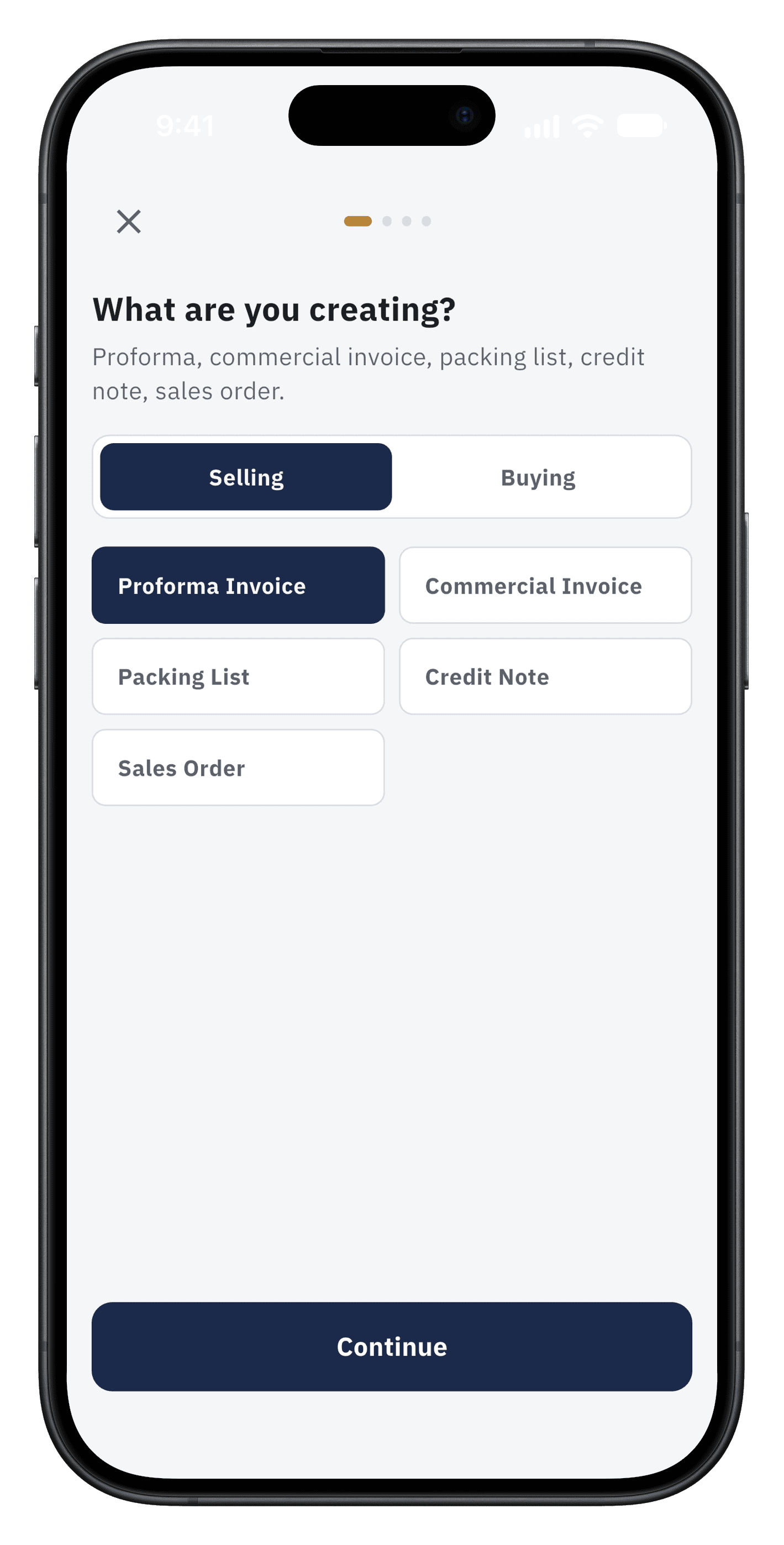
At What are you creating?, choose Proforma Invoice.
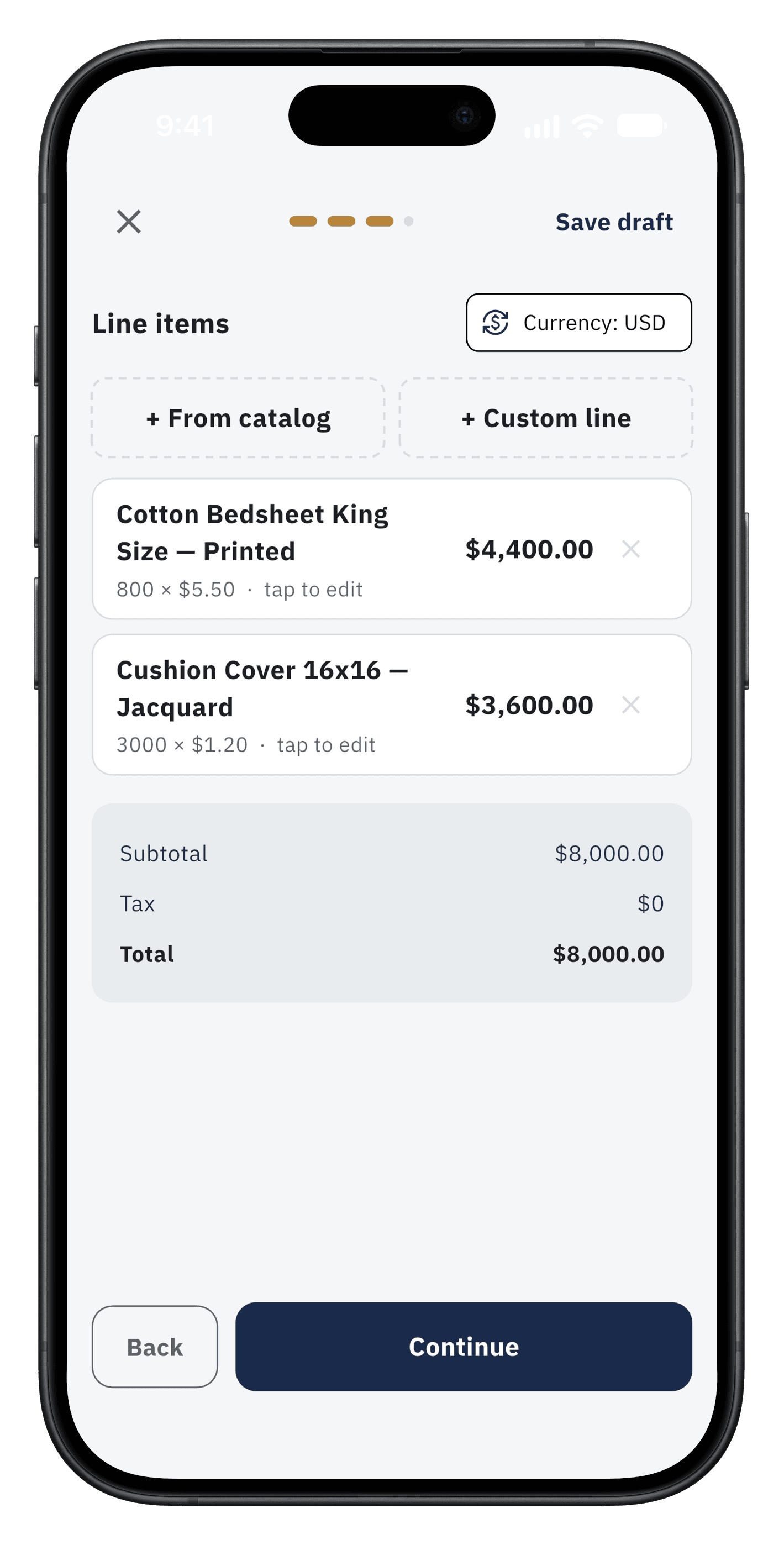
Add lines with + From catalog (saved items) or + Custom line. Set the Quantity, Unit, Rate, Tax % and HS code.
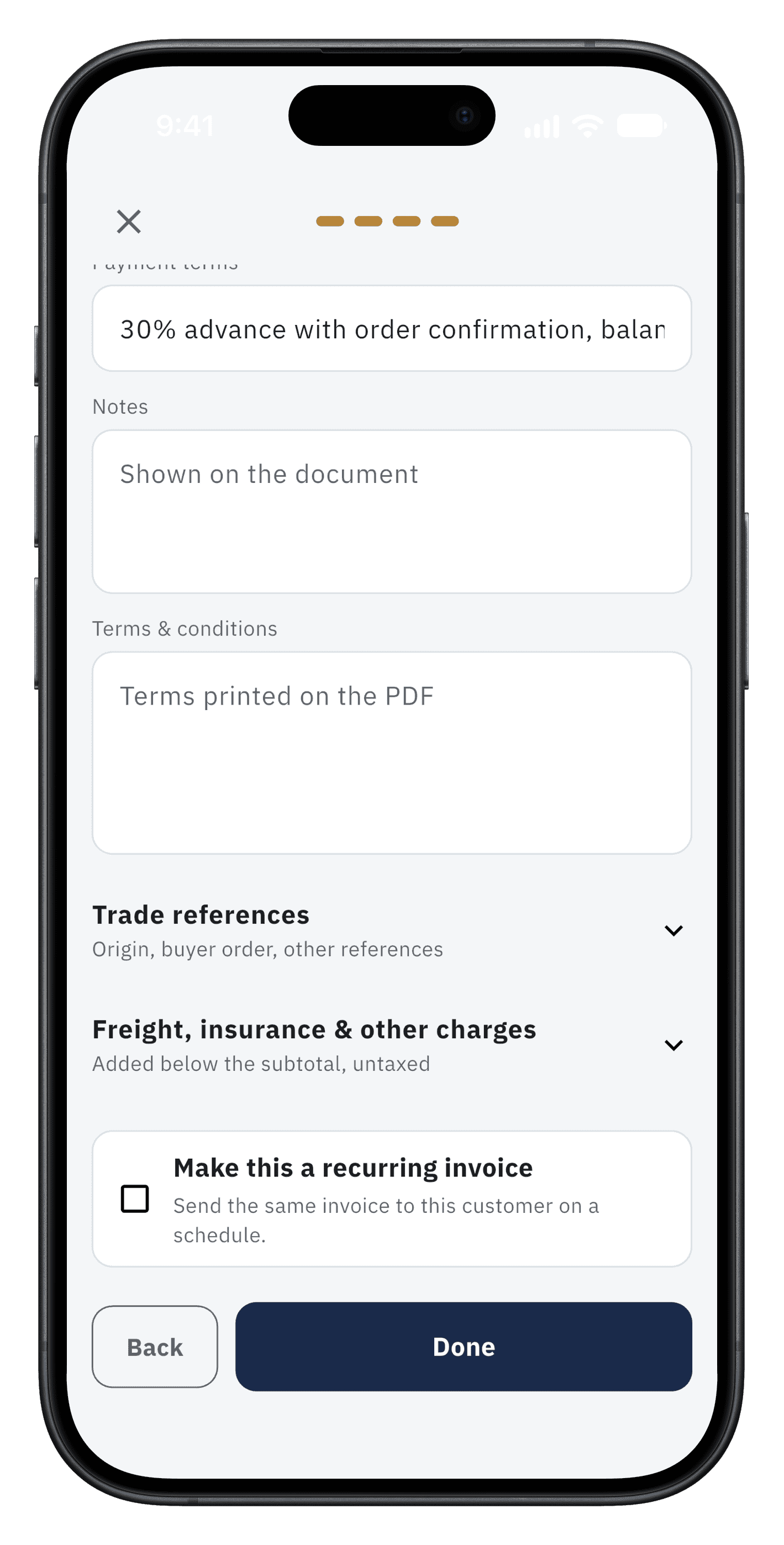
Review the totals and tap Done — or Save draft to finish later.
Frequently asked questions
Can I change a proforma after sending it?
Yes — open it and choose Edit. Bilexor reminds you it has already been sent, so you can send the updated PDF again.