Documents
Share an invoice PDF on WhatsApp, email or print
AndroidiPhone & iPadWebFREE PLANUpdated 16 Nov 2026
Open the document and tap Share — Bilexor builds the PDF and opens your phone's share sheet, so you can send it on WhatsApp, attach it to an email, print it or save it to Files. Download PDF saves a copy. On paid plans you can also email it to the buyer from Bilexor and mark it sent.
Step by step
Open the document from Documents.
Tap Share, then pick WhatsApp, Mail, Print or Save to Files.
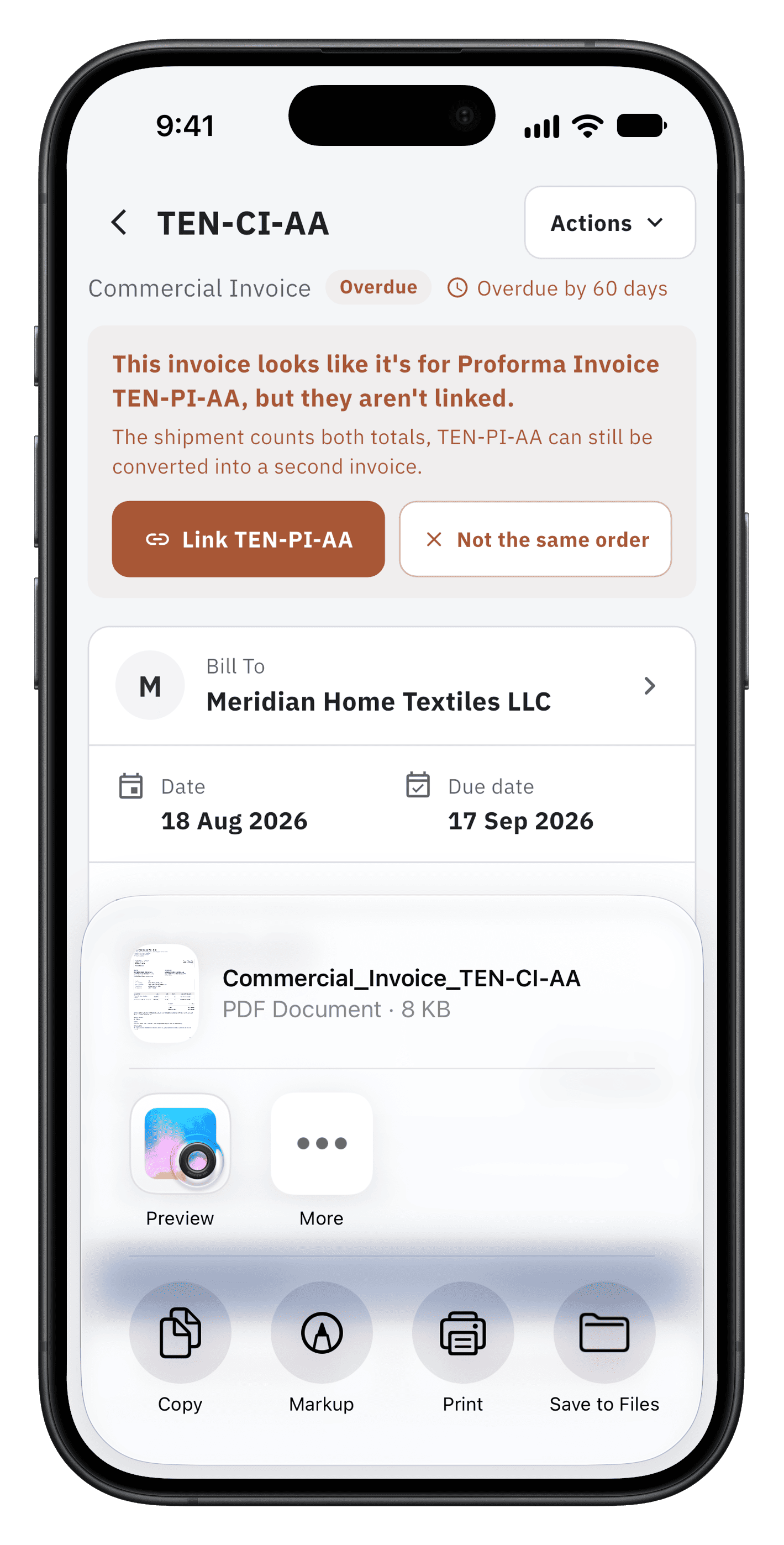
Or tap Download PDF to save a copy.
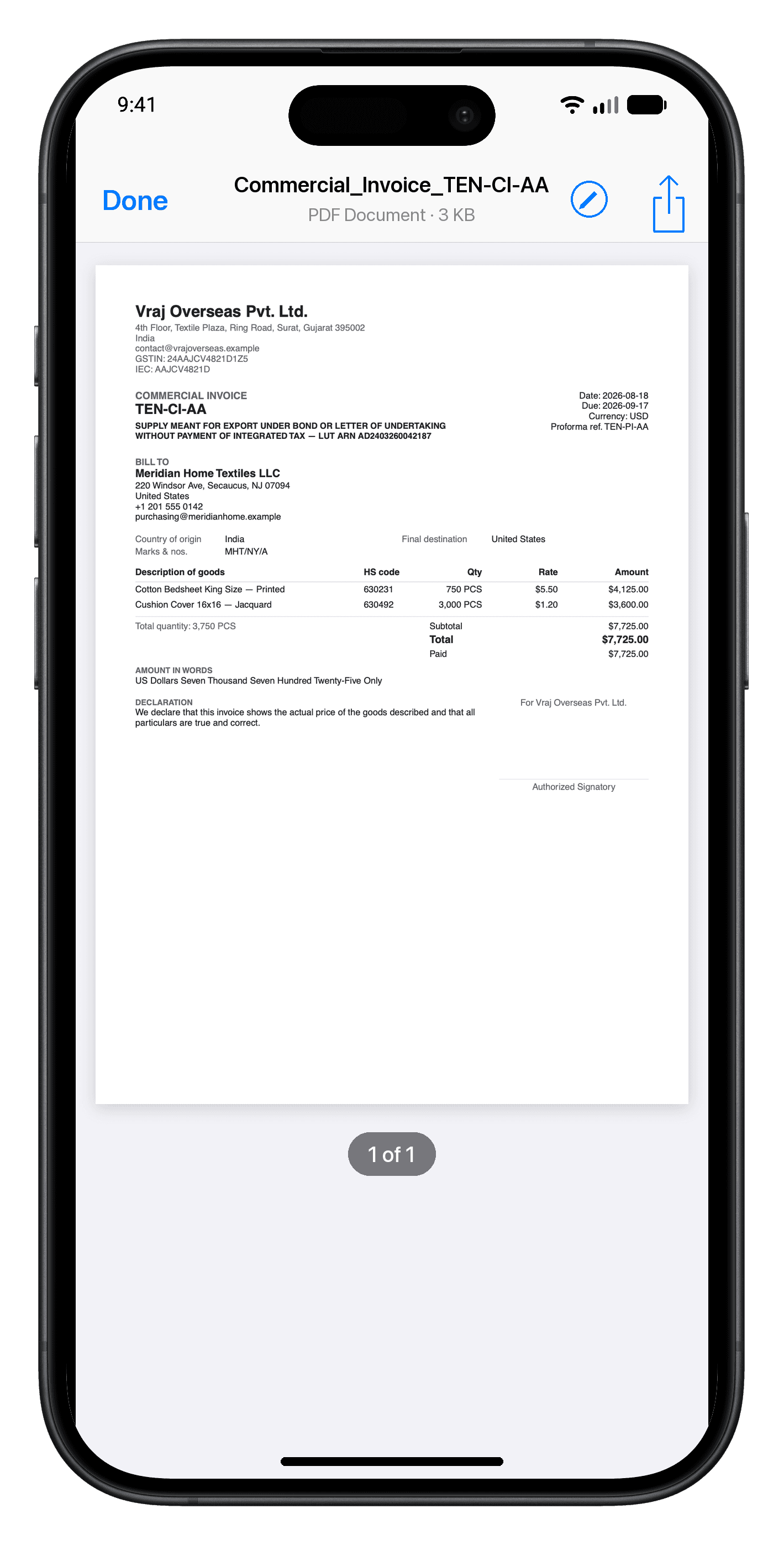
On paid plans, Email it to the buyer sends it from Bilexor; Email & mark sent also marks it sent.
The first time you share a version, Bilexor shows a quick review of the details and anything that needs attention.
Was this helpful?