Retyping the proforma into a commercial invoice
The buyer accepted the proforma, the goods are ready, and now you rebuild the same lines, prices and buyer details in a new invoice — and hope nothing got lost on the way.
Why it keeps happening
- The proforma and the invoice live in separate files or templates, so the second one is a copy by hand.
- Every retyped line is a chance for a wrong quantity, price or description — the kind of mistake a bank or customs officer notices.
How Bilexor handles it
Convert to Commercial Invoice
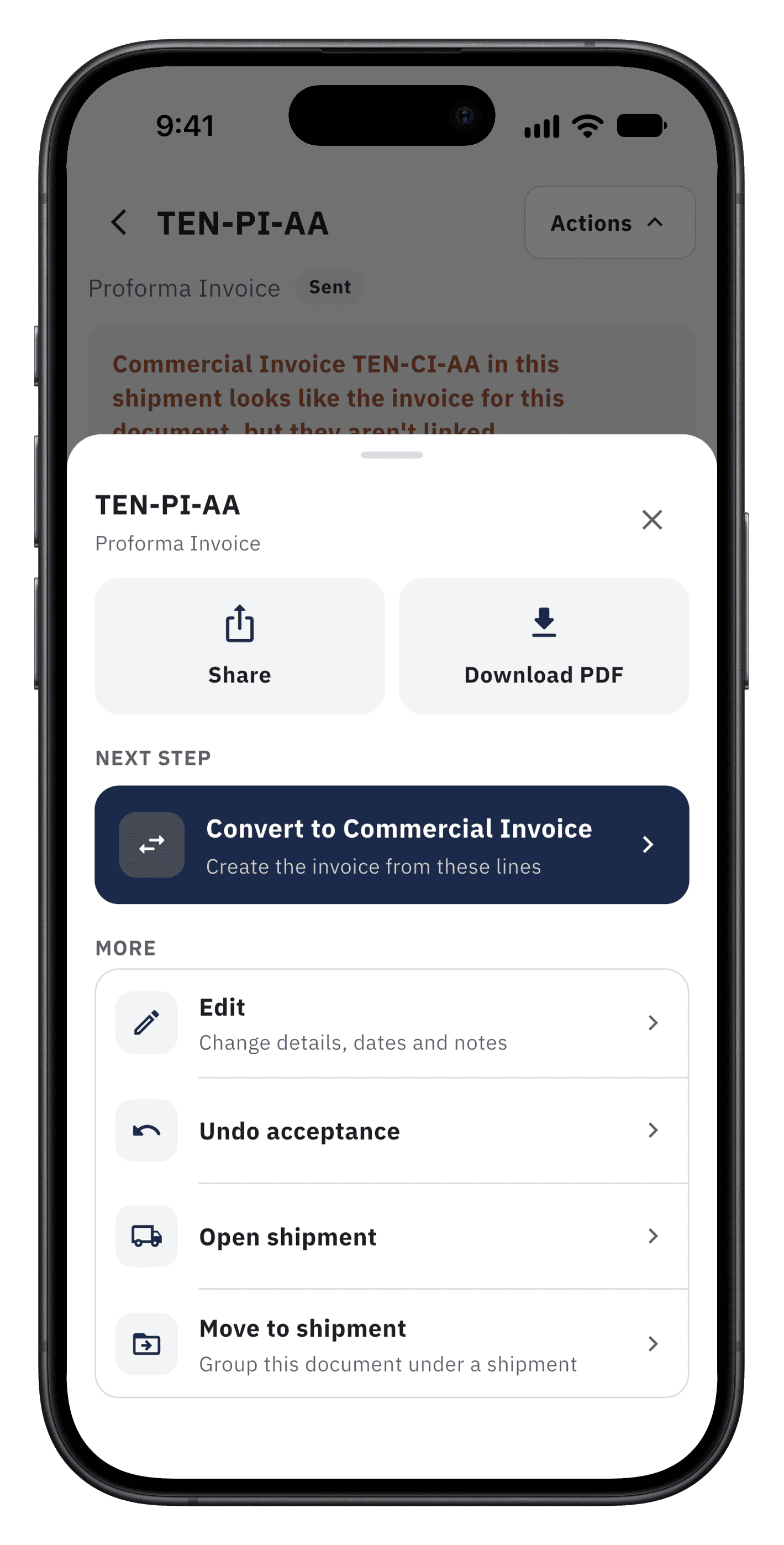
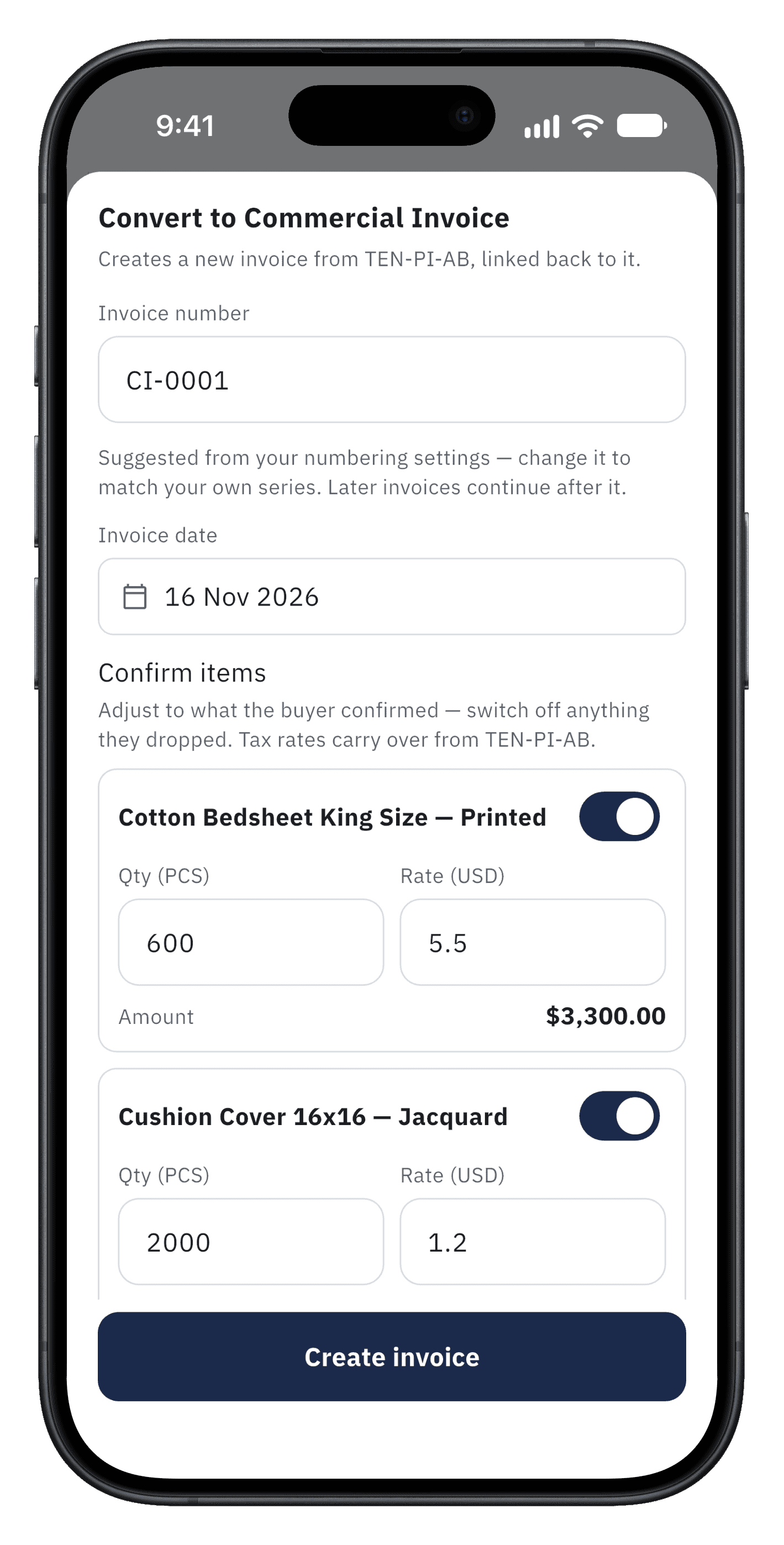
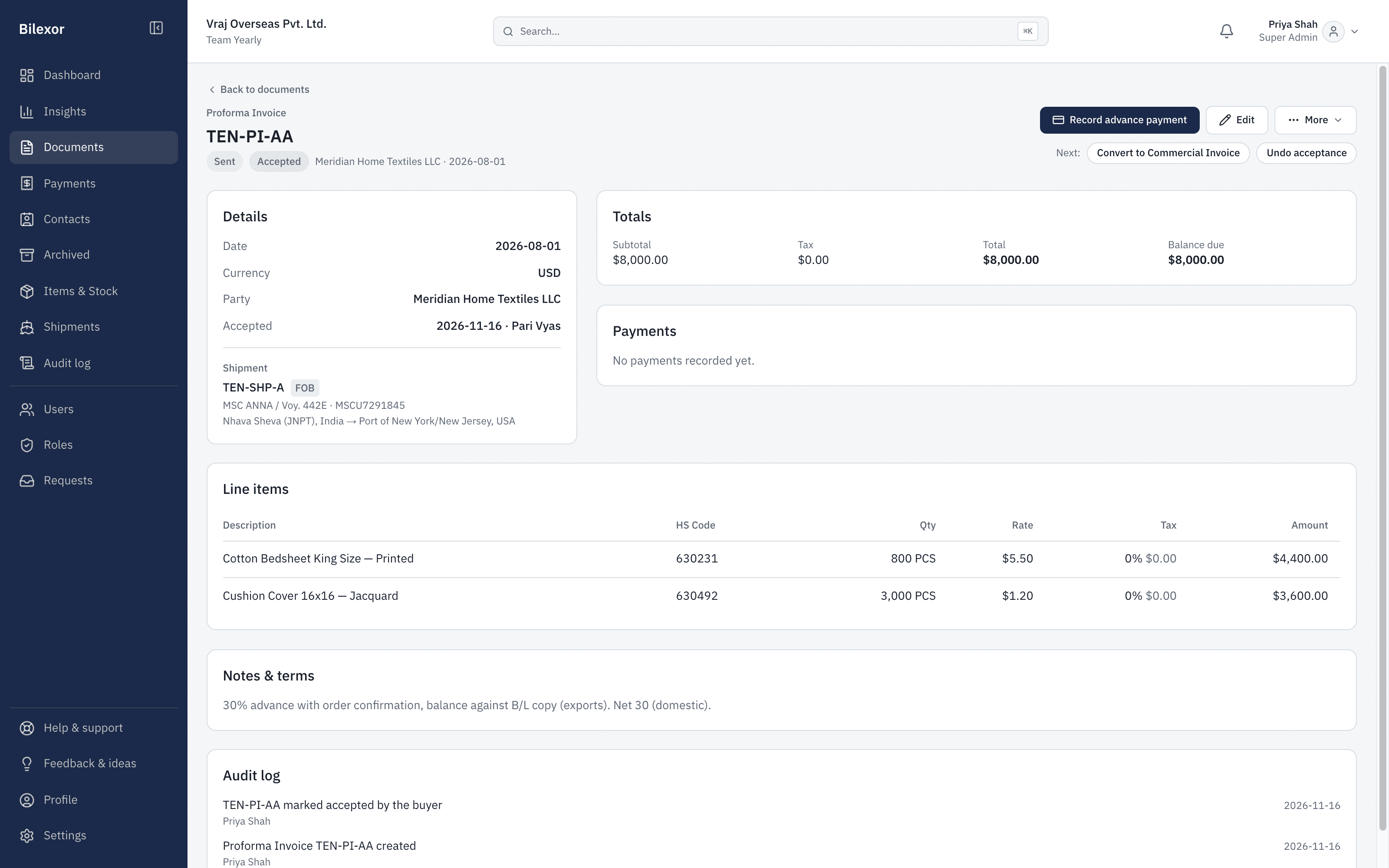
Open the proforma and tap Convert to Commercial Invoice. The buyer, line items and shipment details come across into a new commercial invoice.
Advances carry over
If you recorded an advance on the proforma, it can carry onto the invoice, so the balance due is right from the start.
Adjust only what changed
Shipped less than ordered? Change the quantity on the invoice. Bilexor keeps the two linked and won't flag a short shipment as a mistake.
See the output — real PDFs made in Bilexor:
Do it step by step
Each guide covers the phone app and, where it differs, the web dashboard.
Frequently asked questions
Does converting change the proforma?
No. The proforma stays as it was; the commercial invoice is a new document linked to it.
Can I convert on the web as well as the phone?
Yes. The Convert to Commercial Invoice action is on the document page in both.