Solutions
Re-creating the same invoice every month
A regular buyer orders the same goods on a schedule, and every time you build the same invoice again from scratch — or copy last month's and hope you changed the date.
Why it keeps happening
- Copying an old invoice carries over old dates, numbers and quantities.
- There's no reminder that the next one is due, so it goes out late.
How Bilexor handles it
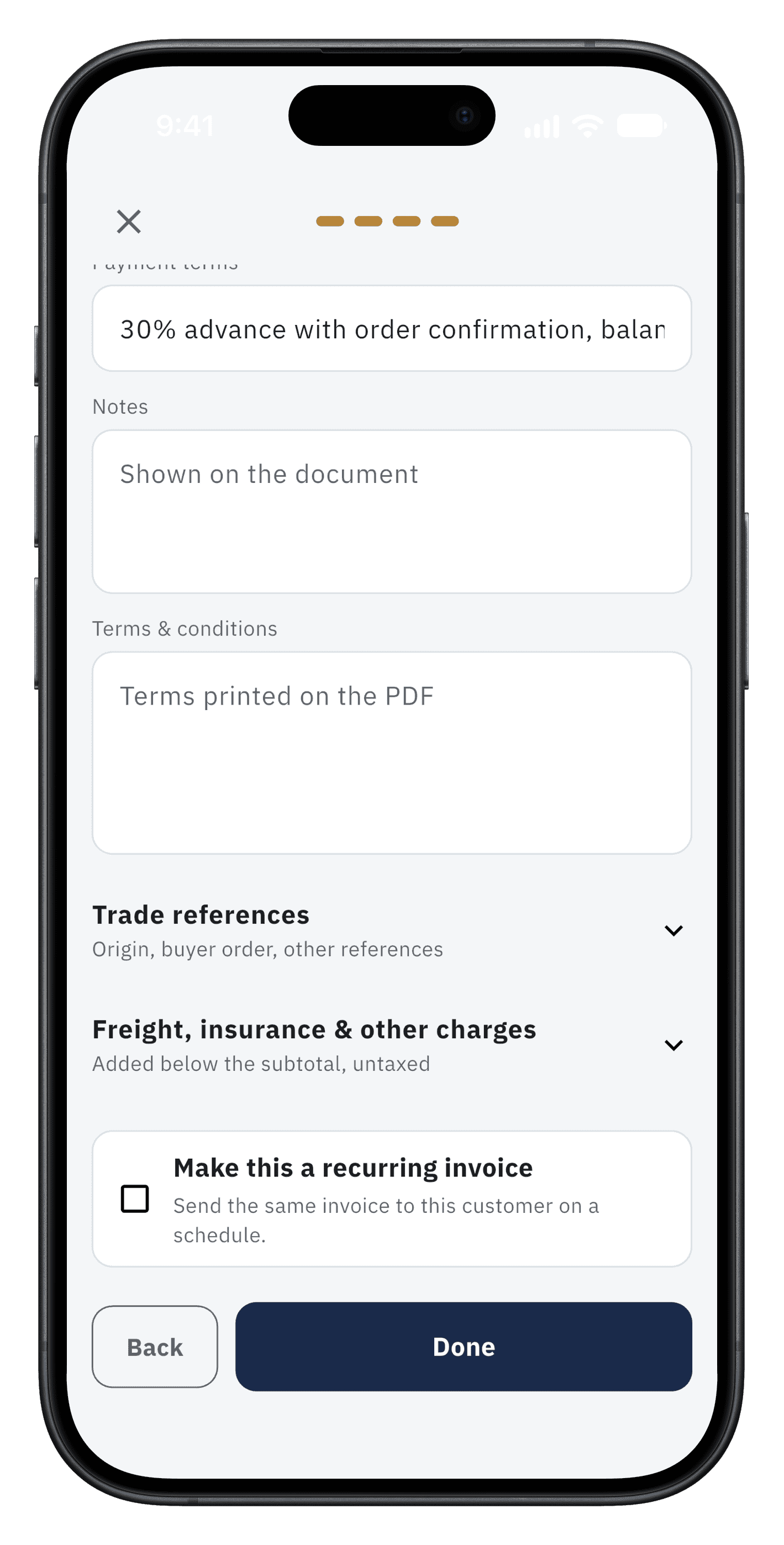
Make any invoice recurring
On the review step, turn on Make this a recurring invoice and set how often it repeats and the next invoice date.
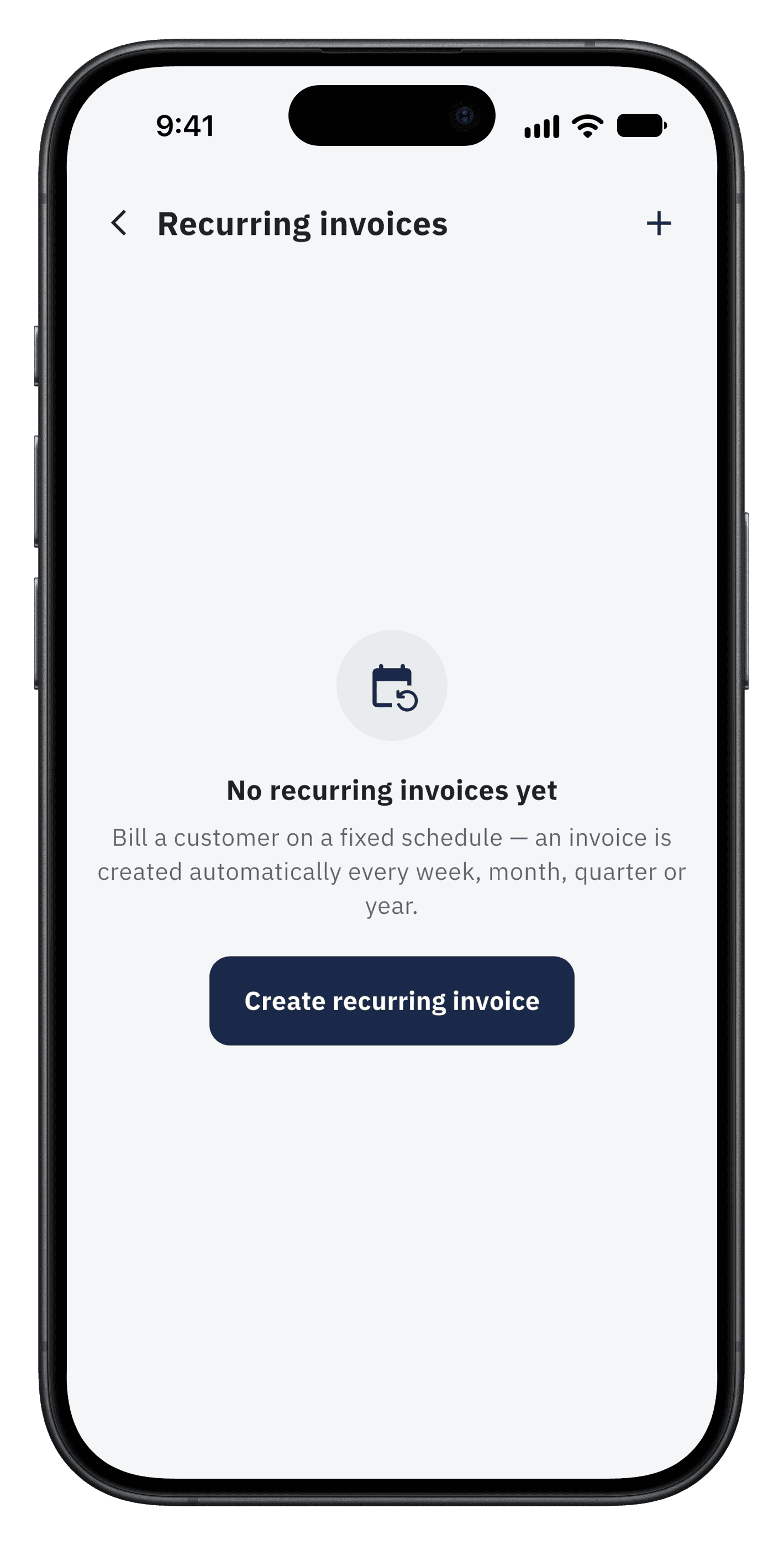
Manage them in one list
Settings → Recurring invoices shows each one, active or paused, to pause, edit or delete.
Do it step by step
Each guide covers the phone app and, where it differs, the web dashboard.
Frequently asked questions
Which plans include recurring invoices?
Recurring invoices are part of the paid plans.
Can I change the amount before the next one goes out?
Yes — edit the recurring invoice from Settings → Recurring invoices.