HS codes missing or wrong on invoice lines
Customs classifies your goods by the HS code on the invoice. Leave it off, or put a different code on the packing list, and the shipment slows down while someone works out which is right.
Why it keeps happening
- HS codes are looked up and typed per invoice, so the same product ends up with different codes on different documents.
- Codes change between the 6-digit international code and the longer national code, and nobody notices the difference.
How Bilexor handles it
The HS code lives on the item
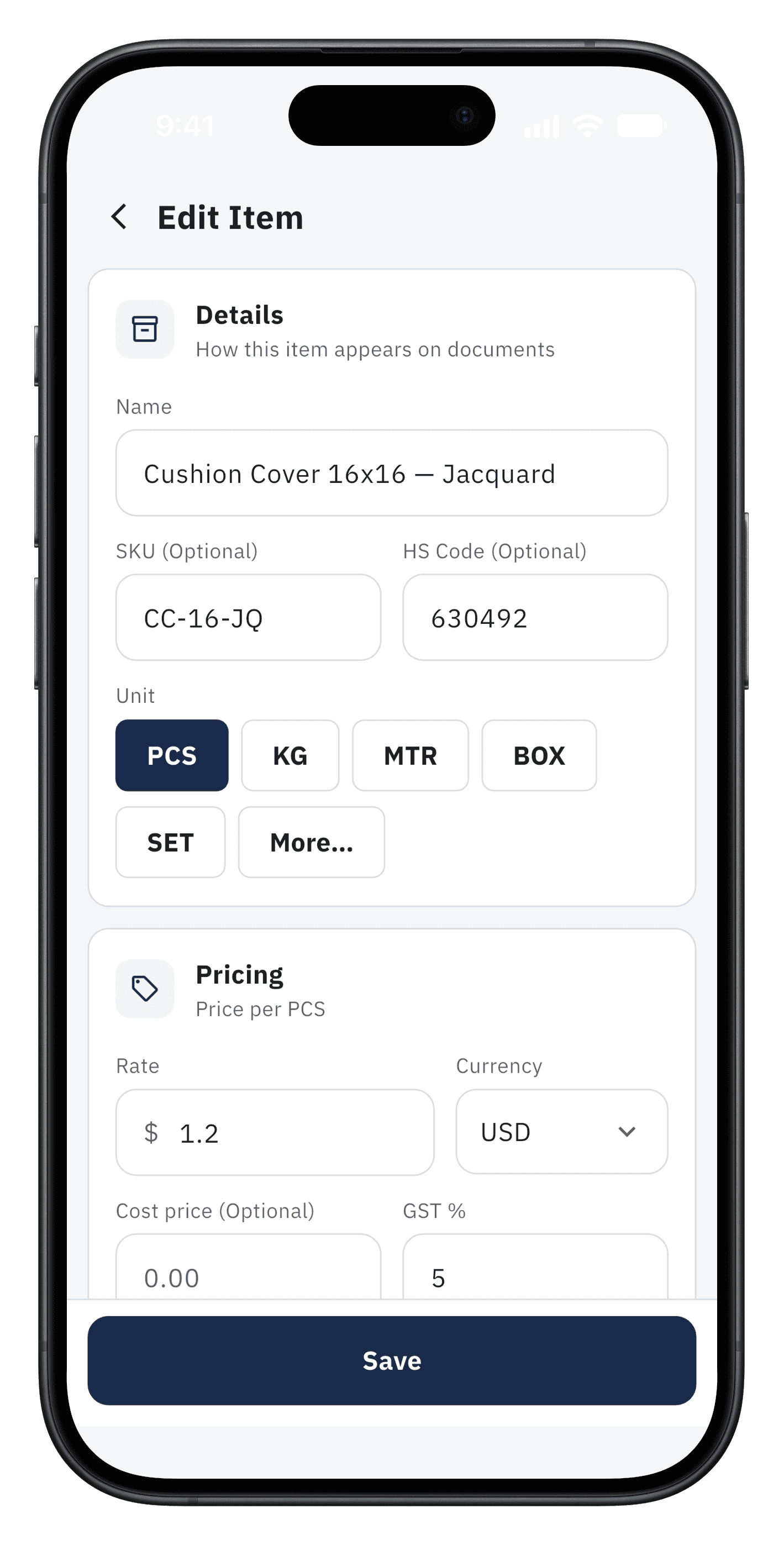
Save the HS code with each item in your item master. Adding the item to a document fills the code in on the line.
Every line shows it
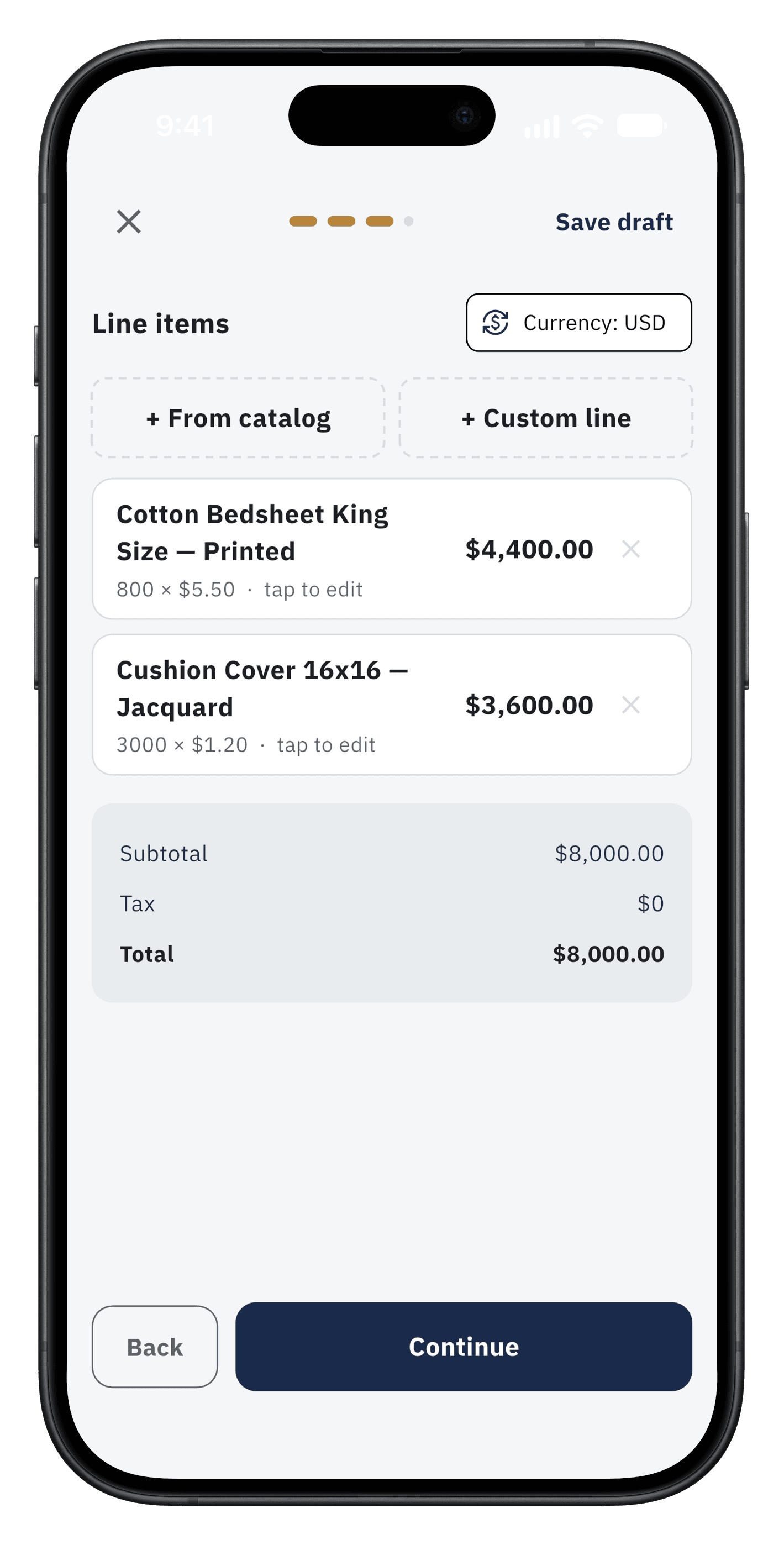
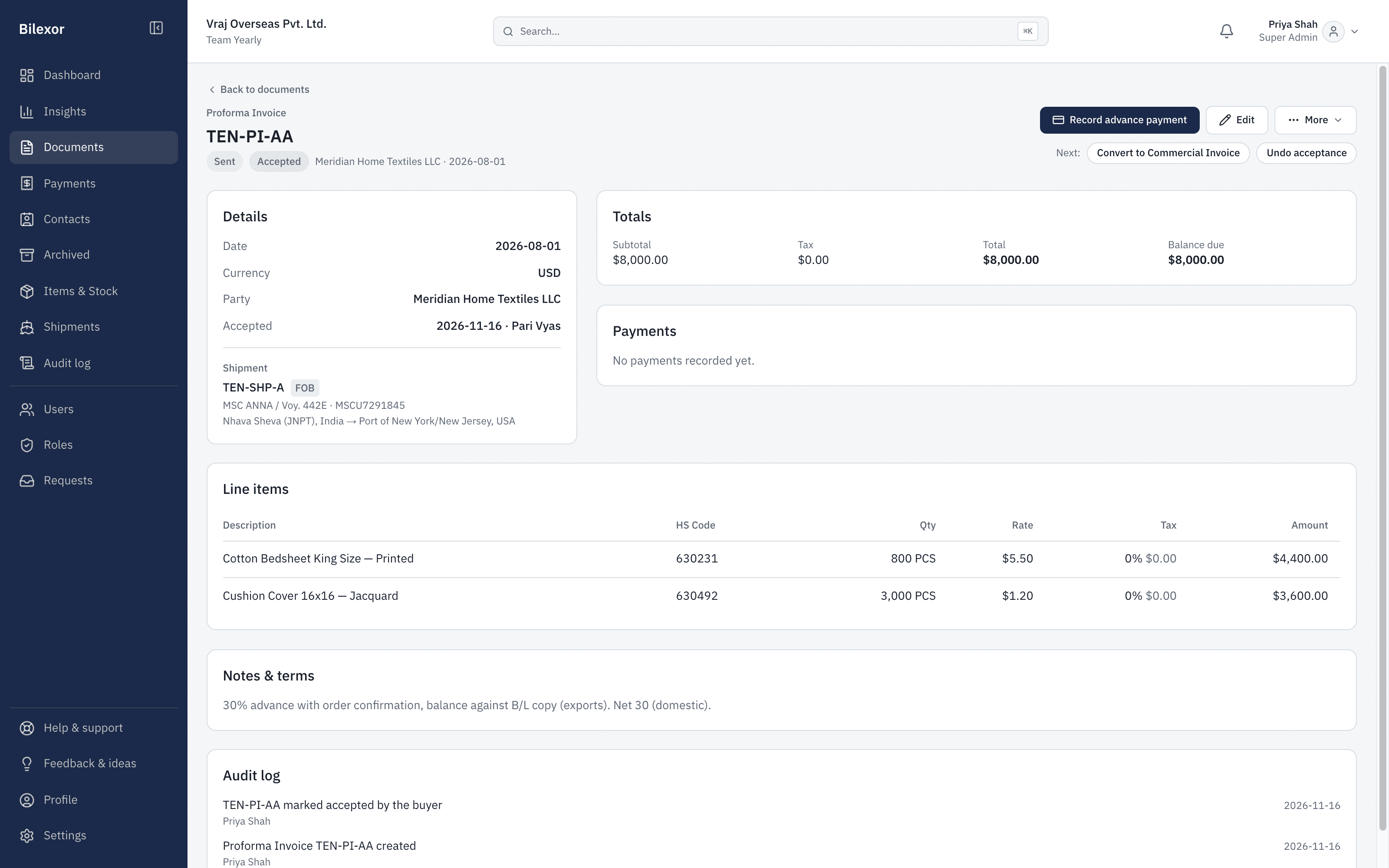
Line items carry their HS code next to the quantity, unit and rate, and it prints on the PDF.
Mismatches get flagged
Before you send, documents in the same shipment are compared — and an item with different HS codes on, say, the invoice and the packing list is listed. A 6-digit code and the longer code that starts with it count as the same.
See the output — real PDFs made in Bilexor:
Do it step by step
Each guide covers the phone app and, where it differs, the web dashboard.
Frequently asked questions
If I change an item's HS code, do old invoices change?
No — documents keep the code they were made with. Edit those lines if they need it; the mismatch check will point out any shipment where the documents now disagree.
Does Bilexor tell me which HS code to use?
No. Classification is your call (or your CHA's). Bilexor keeps the code you choose consistent across your documents.