Documents
Edit, cancel or delete a document
AndroidiPhone & iPadWebFREE PLANUpdated 16 Nov 2026
Open the document and choose Edit to change it — if it has already been sent, Bilexor reminds you to send the new version. Use Cancel Document for one that went out but no longer stands; it keeps its number. Only drafts can be deleted.
Step by step
Open the document and choose Edit. Save your changes.
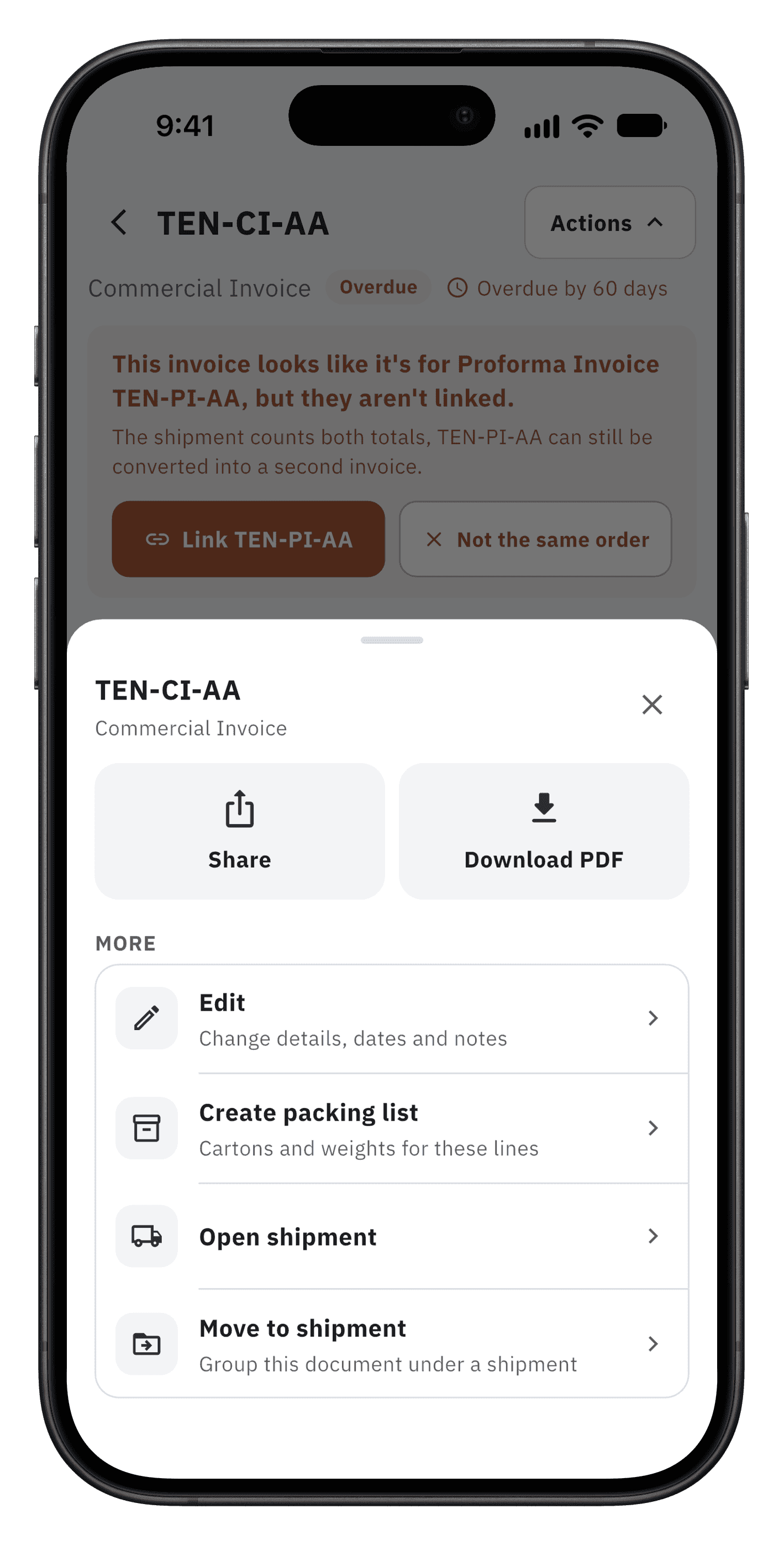
To withdraw a document that has gone out, choose Cancel Document.
To remove a draft you no longer need, choose Delete Draft.
Was this helpful?