Documents
Set up recurring invoices for repeat buyers
AndroidiPhone & iPadWebPROUpdated 16 Nov 2026
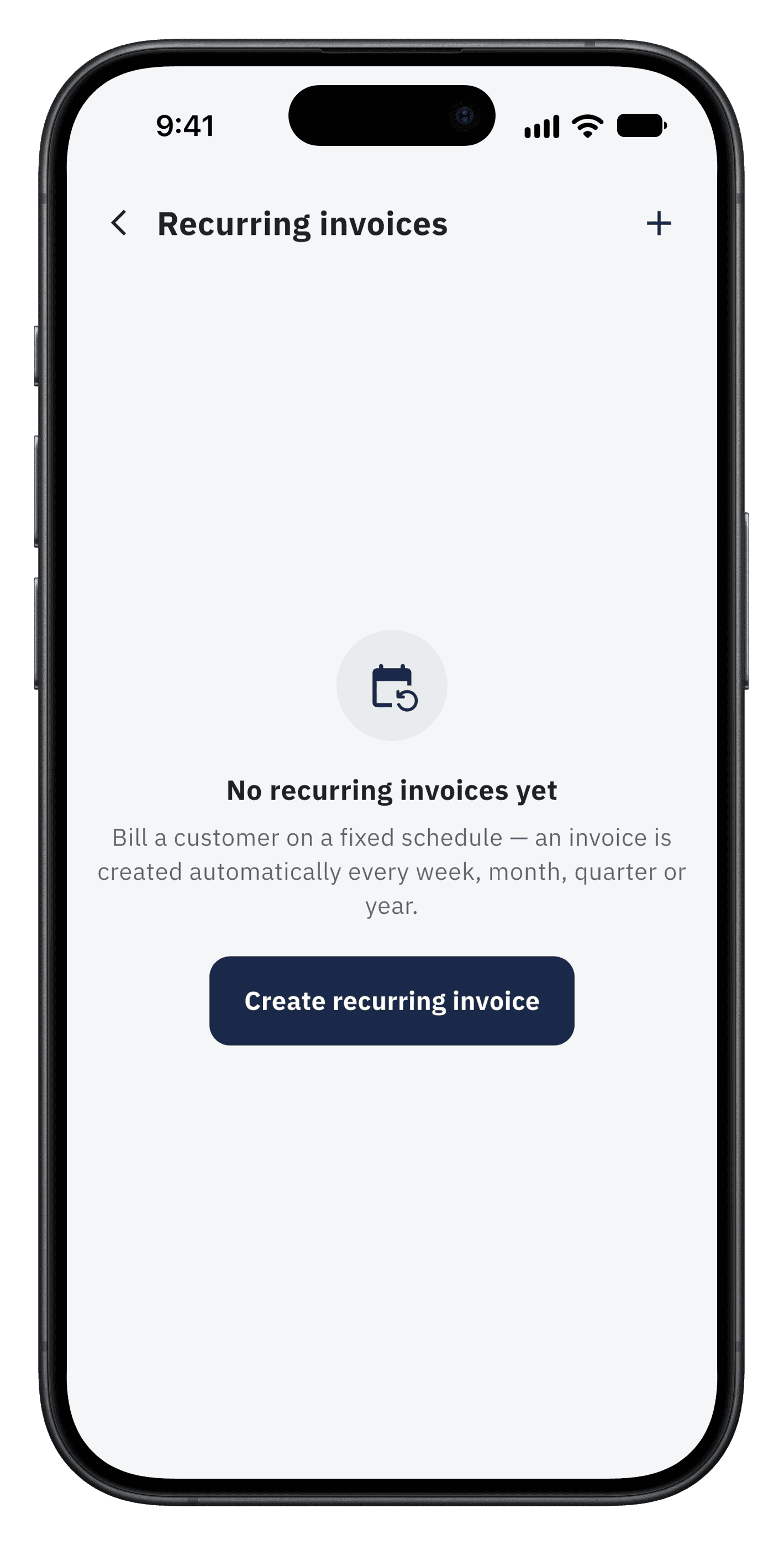
While creating an invoice, turn on Make this a recurring invoice, choose how often it repeats and the next invoice date. Bilexor creates the next one on schedule. Manage them in Settings → Recurring invoices, where you can pause, edit or delete each one.
Step by step
Create the invoice as usual. On the review step, under Schedule, turn on Make this a recurring invoice.
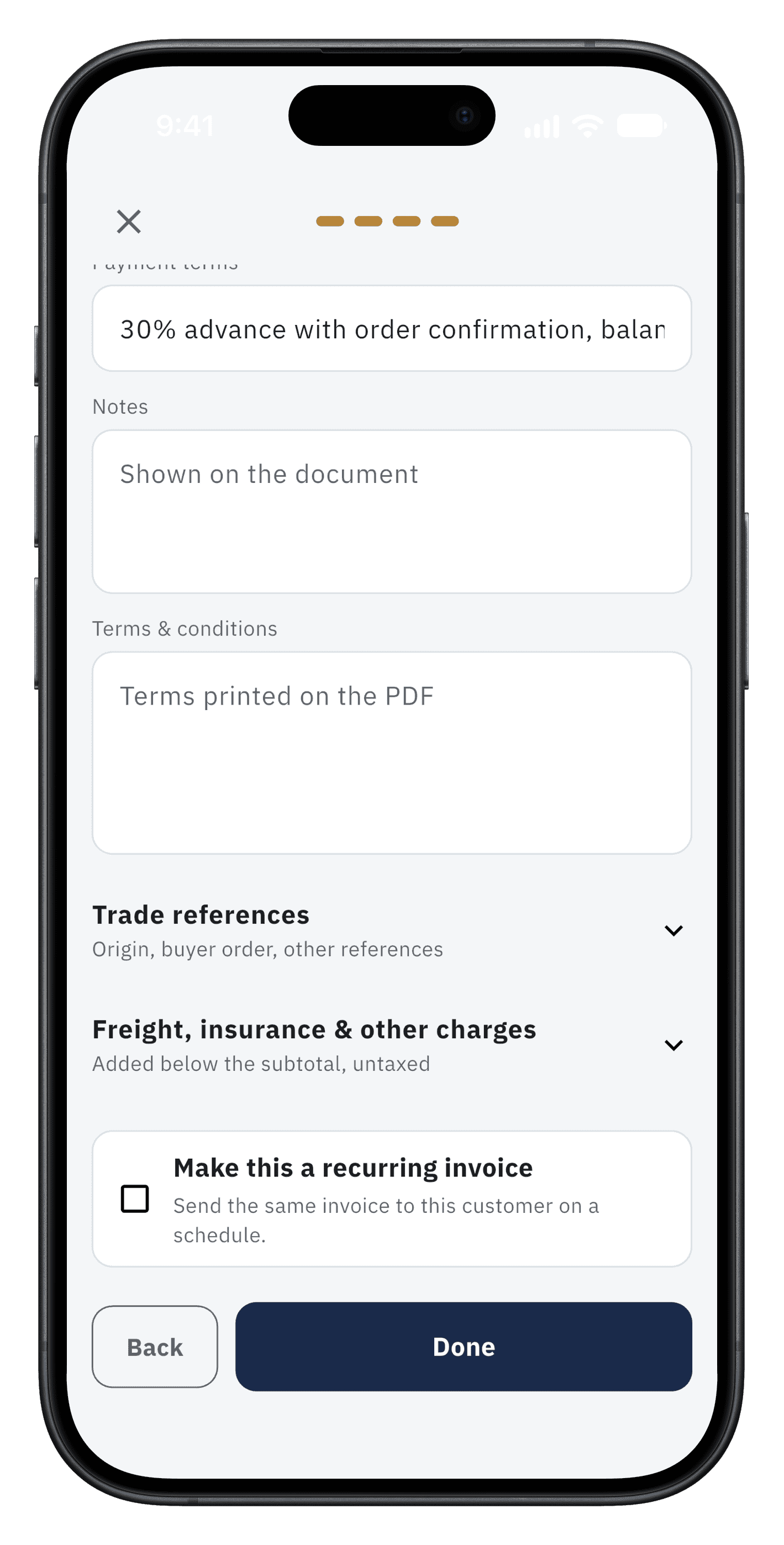
Set Repeats and the Next invoice date, then save.
Go to Settings → Recurring invoices to pause, edit or delete one.
Was this helpful?