Documents
Import invoices from Excel or CSV
AndroidiPhone & iPadWebPROUpdated 16 Nov 2026
Go to Settings → Import (CSV / Excel) and choose documents. Use one sheet per document type and one row per line item. Bilexor shows every document it found, with any problems, before saving — and imported documents are created as drafts, so you can check them before they go out.
Step by step
Go to Settings → Import (CSV / Excel) and choose documents.
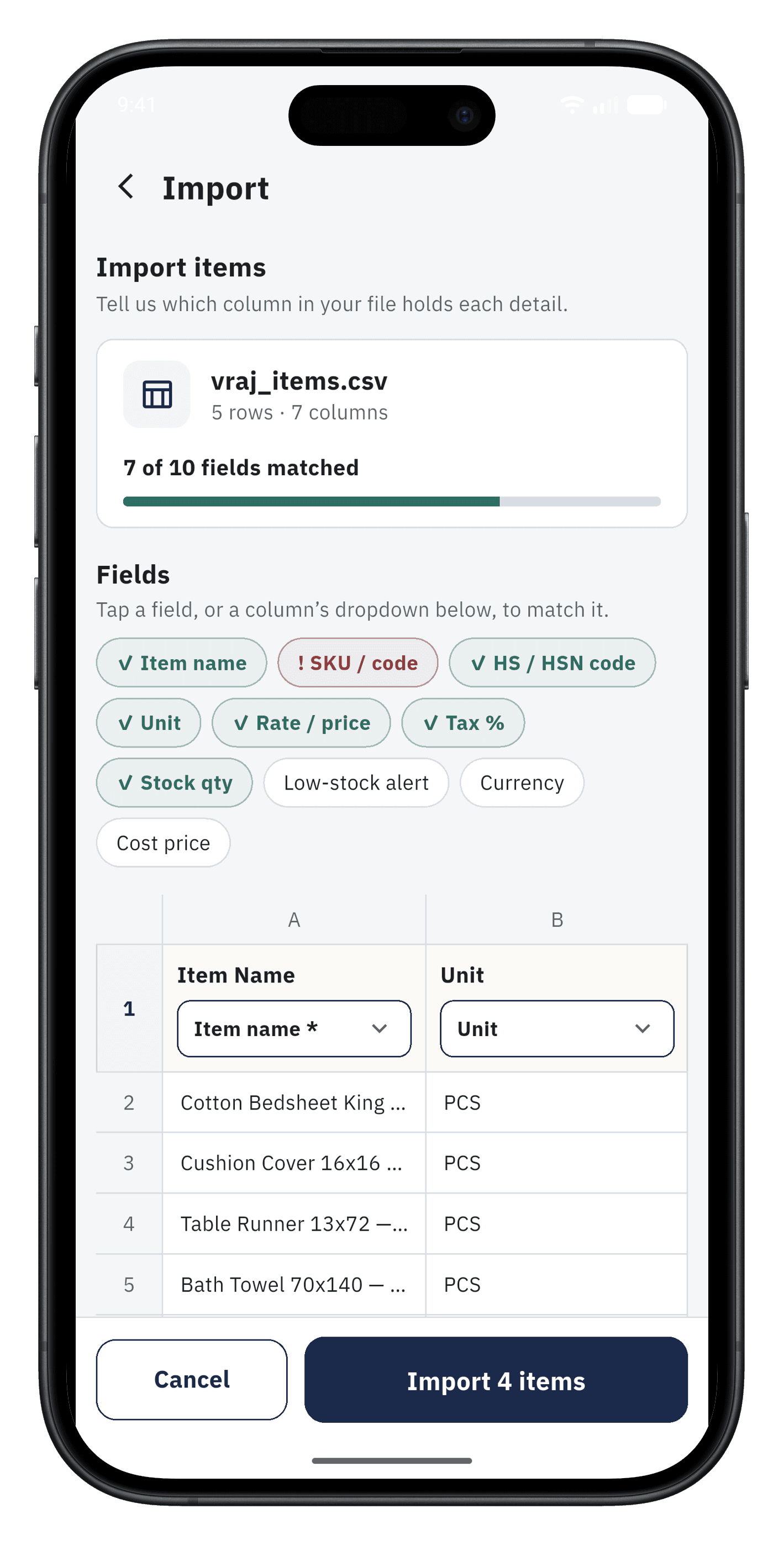
Pick your Excel or CSV file — one sheet per document type, one row per line item.
Review the documents found and fix anything flagged, then import. They're saved as drafts.
Was this helpful?