Items & stock
Import items and contacts from a spreadsheet
AndroidiPhone & iPadWebFREE PLANUpdated 16 Nov 2026
Go to Settings → Import (CSV / Excel), choose contacts or items, and pick your spreadsheet. Map your columns to Bilexor's fields; a dry run shows any problems with the rows they're in, before anything is saved. Fix the file or the mapping, then import.
Step by step
Go to Settings → Import (CSV / Excel) and choose contacts or items.
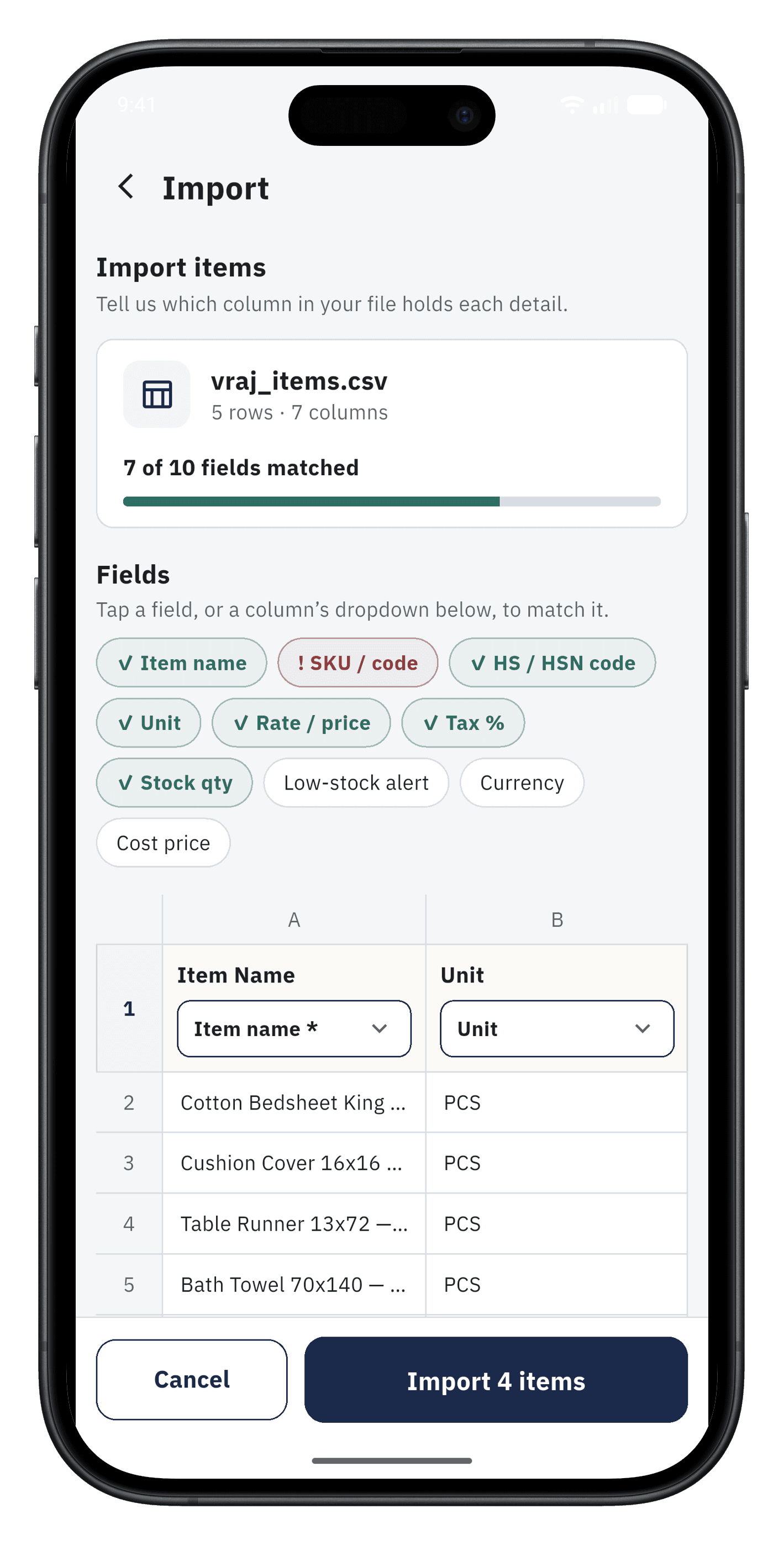
Pick the spreadsheet and match its columns to Bilexor's fields.
Check the problems found, fix them, then import.
Was this helpful?