Getting started
Use Bilexor on a tablet and on the web with the same data
AndroidiPhone & iPadWebPROUpdated 16 Nov 2026
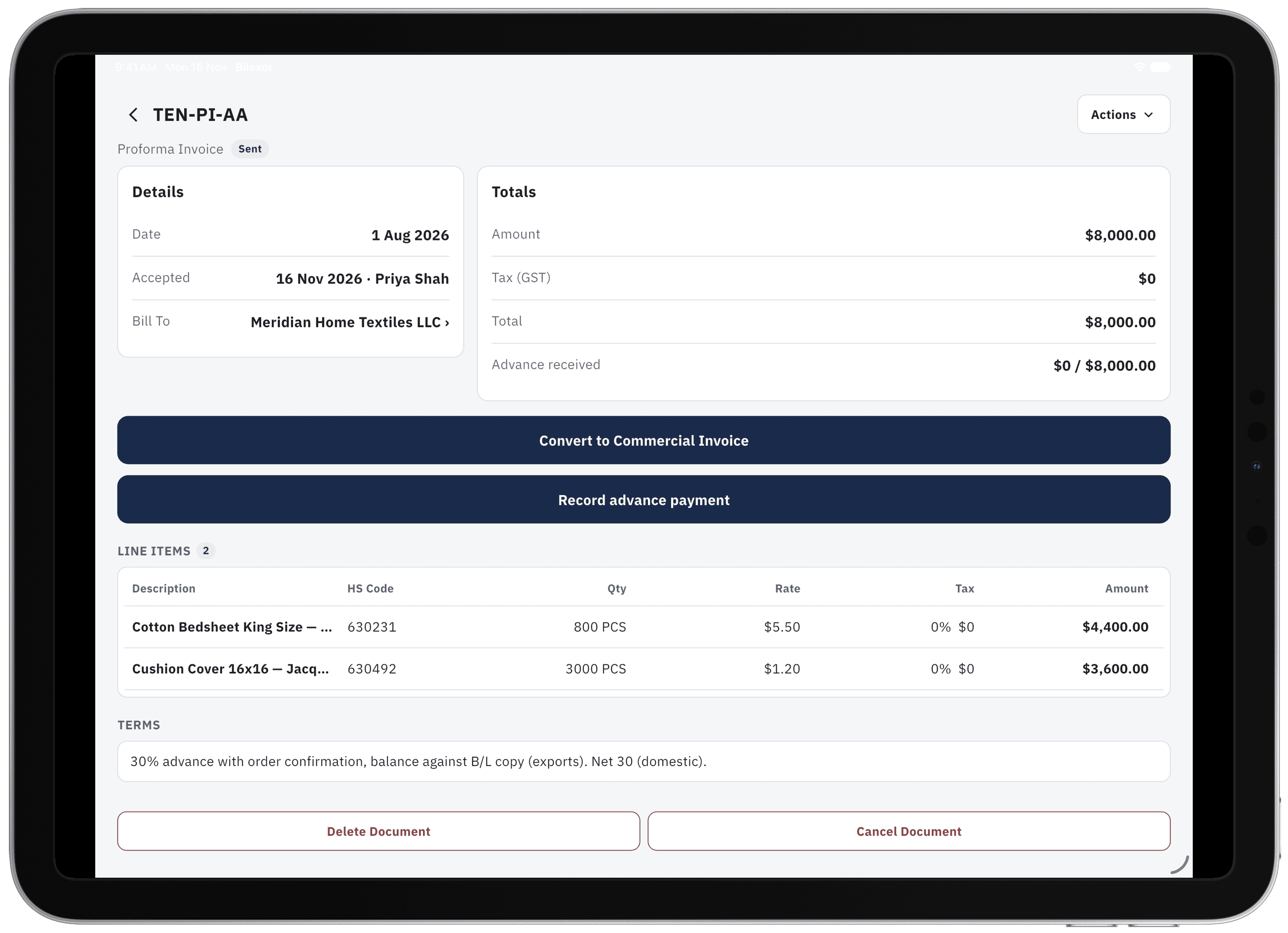
Install the same Bilexor app on an Android tablet or iPad — it switches to a wider layout with the list and the open record side by side. Open app.bilexor.com for the web dashboard. With any paid plan, phone, tablet and web all work on the same cloud data.
Step by step
Install Bilexor on your tablet from Google Play or the App Store and sign in with your account.
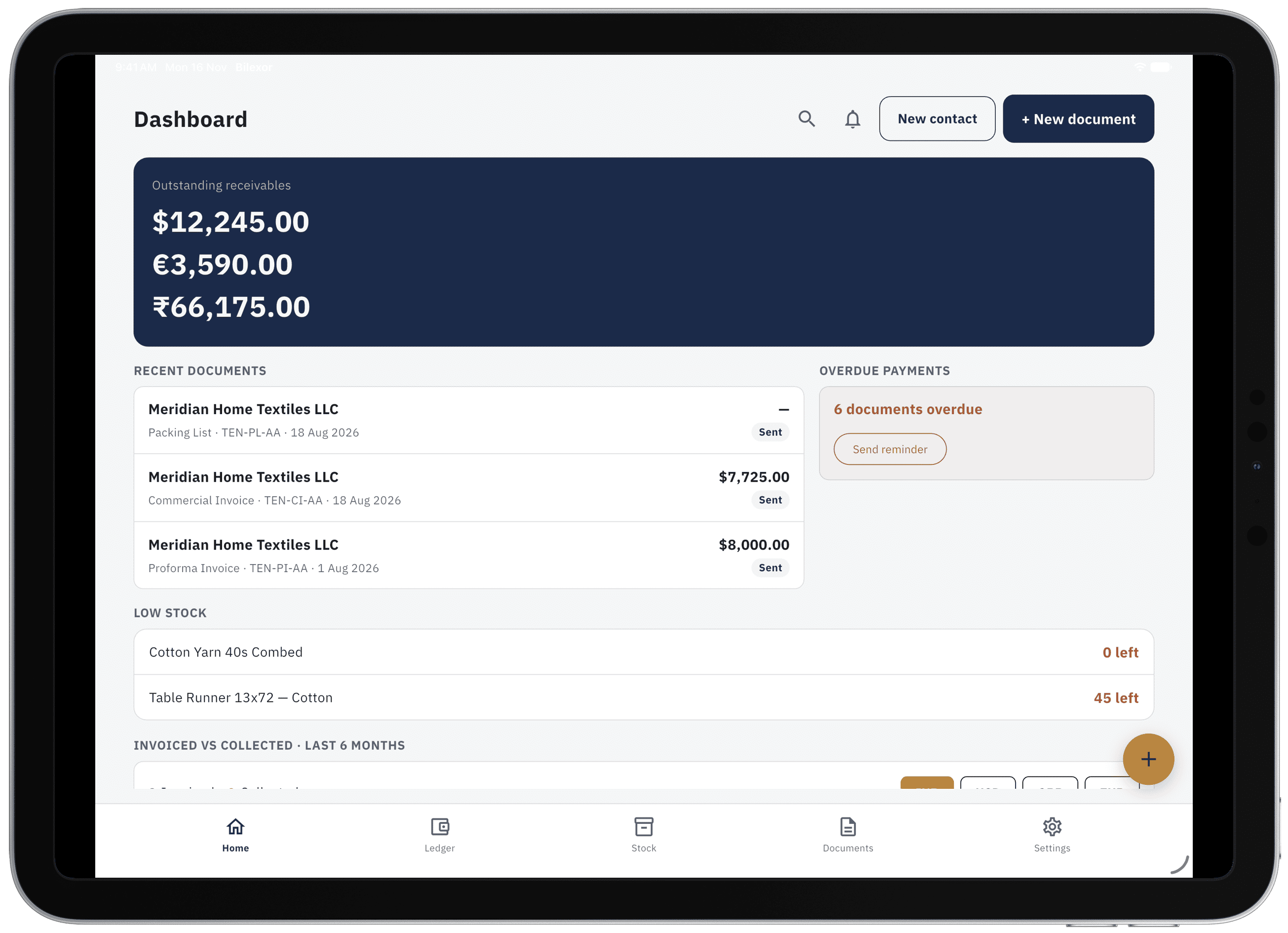
Lists and records sit side by side — tap a document and it opens next to the list.
To use a second device on a paid plan, go to Settings → Sign in on another device.
On the free plan your books stay on one device. Moving them to the cloud is part of upgrading — see Free vs Pro.
Was this helpful?