Getting started
Change your invoice PDF layout and logo
AndroidiPhone & iPadWebFREE PLANUpdated 16 Nov 2026
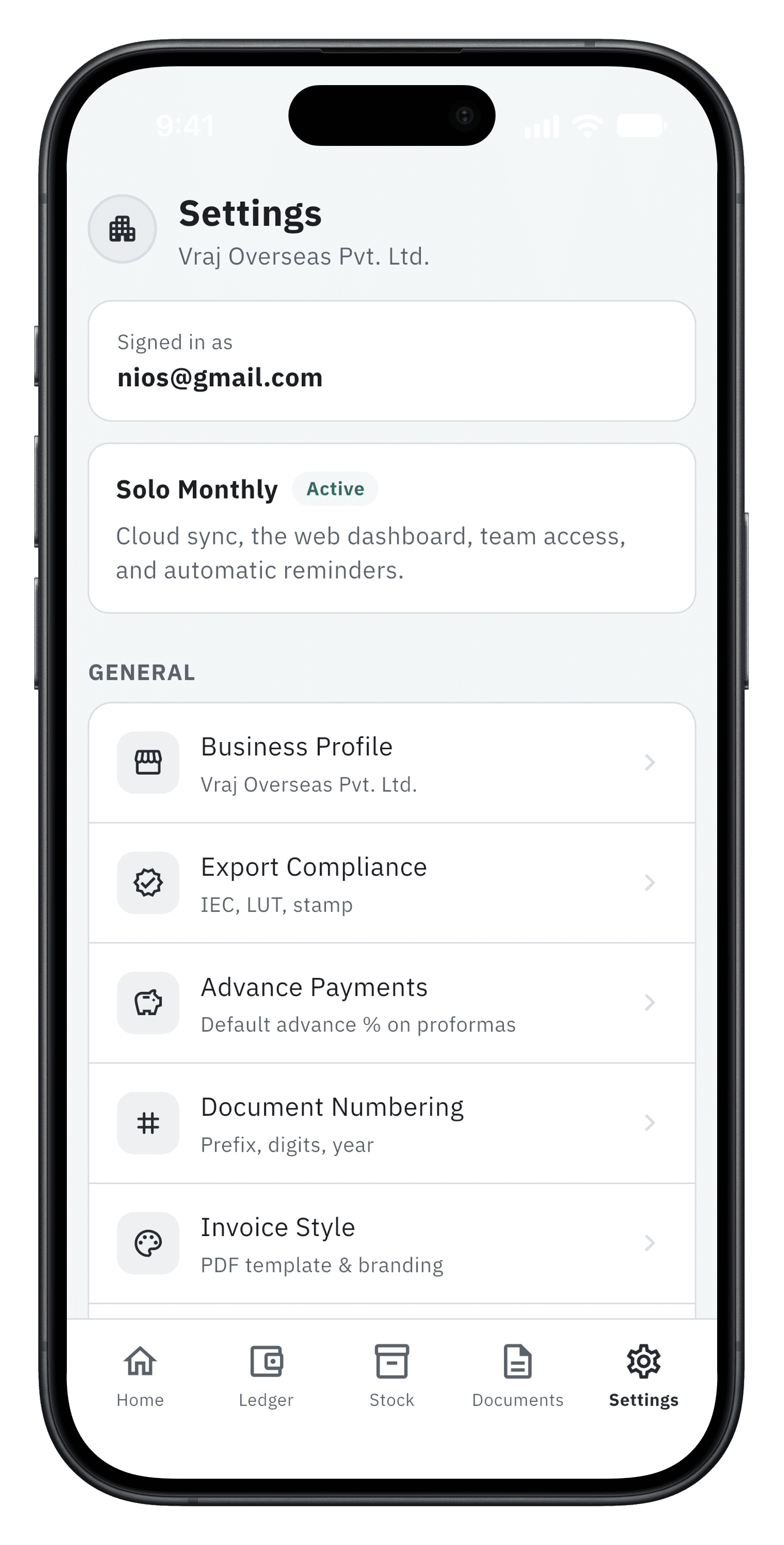
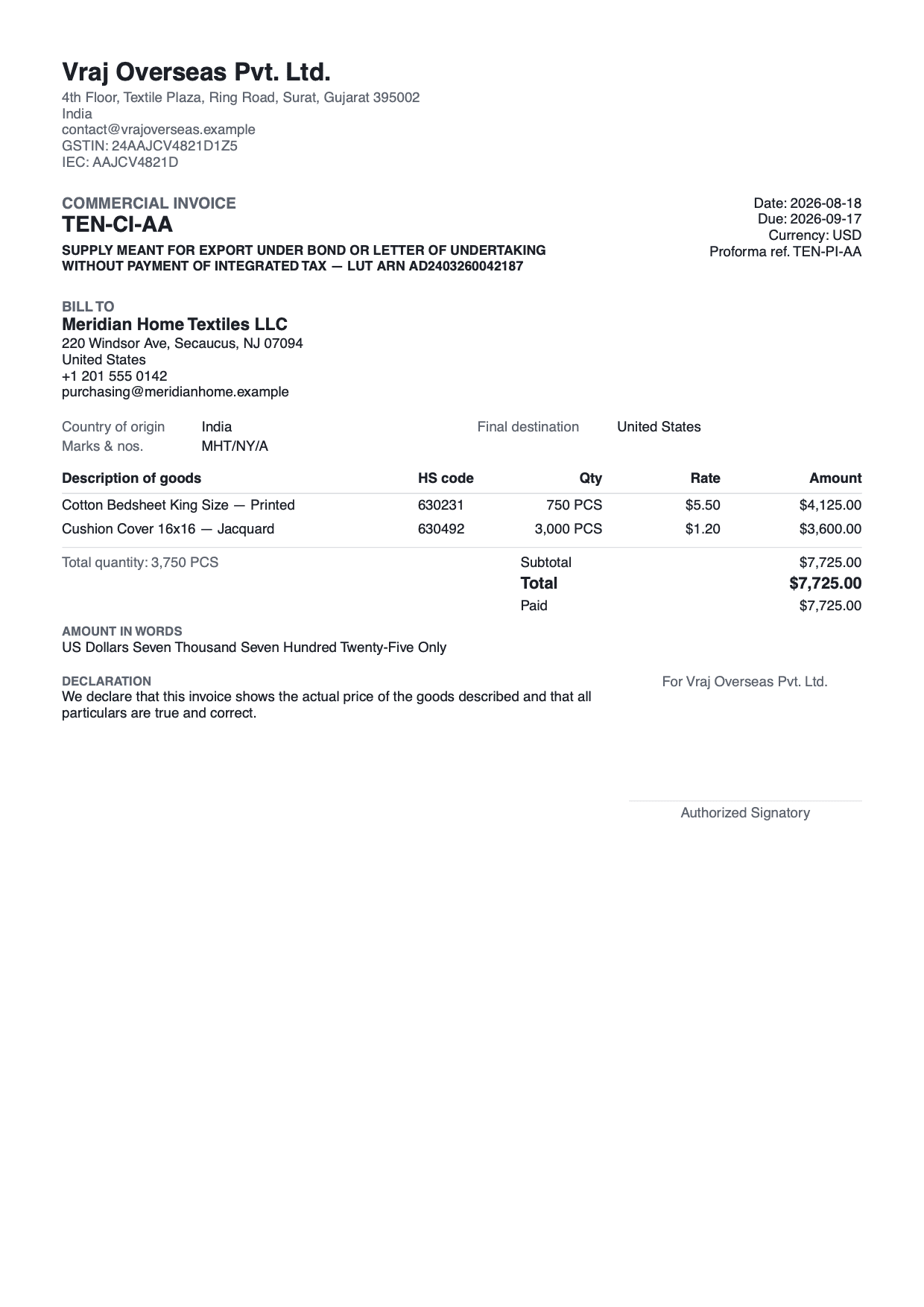
Open Settings → Invoice Style, choose a preset, and customise the header alignment, accent, background and font colours, the font, and whether the PDF shows your logo, letterhead, signature and shipment details. The live preview updates as you go. Add the logo and signature themselves in Business Profile.
Step by step
Go to Settings → Invoice Style.
Choose a Preset, then check the Live preview.
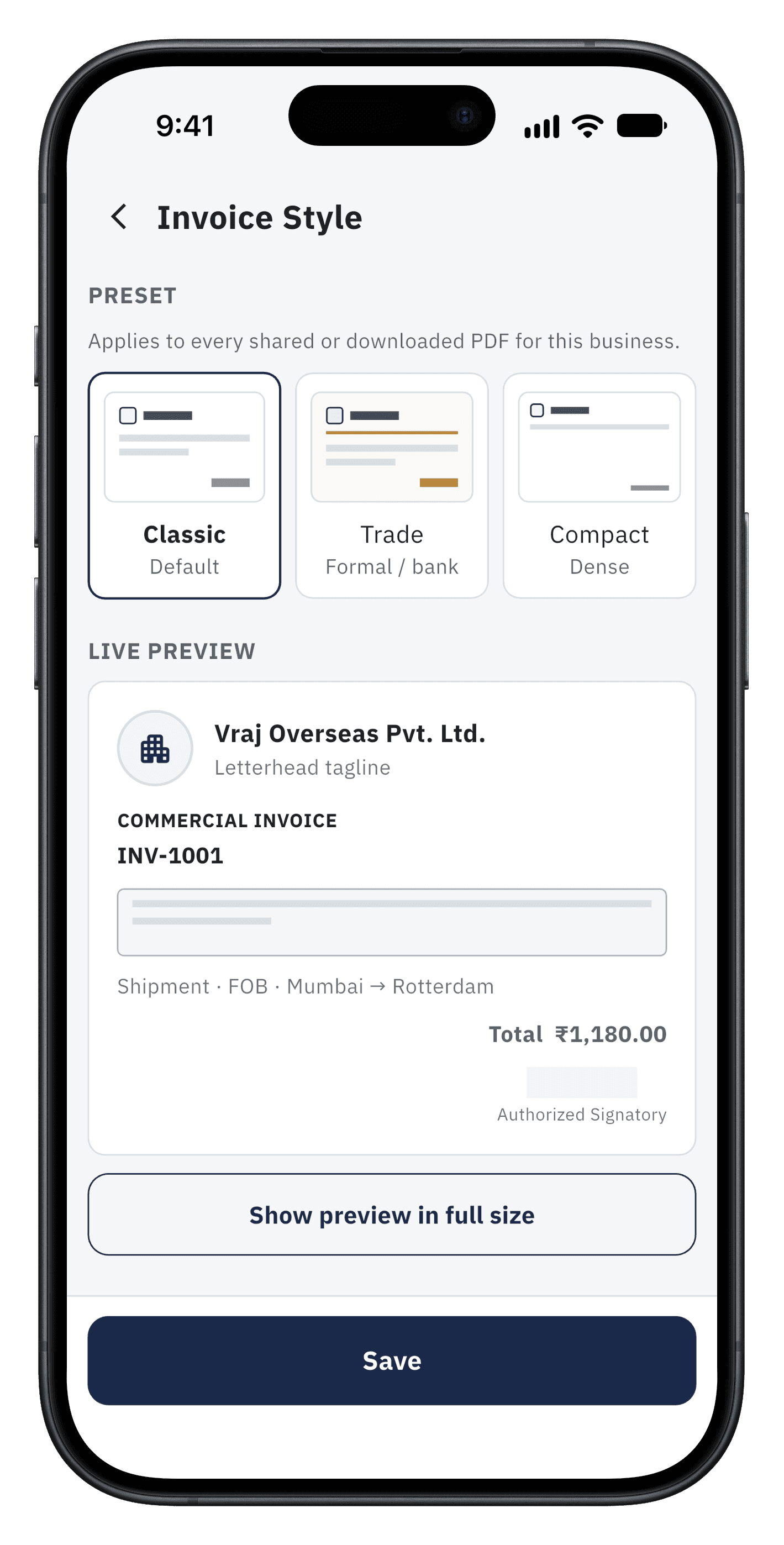
Under Customize, set the Header alignment, Accent color, Background color, Font color and Font.
Turn Show logo, Show letterhead, Show signature and Show shipment / consignee on or off, then tap Save.
Was this helpful?