Getting started
Set your invoice number prefix and year format
AndroidiPhone & iPadWebPROUpdated 16 Nov 2026
Open Settings → Document Numbering, pick a document type, and set its prefix, padding and year format. The new format applies to numbers issued from now on — documents you've already created keep their numbers. Document numbering is part of the paid plans because the sequence lives in the cloud.
Step by step
Go to Settings → Document Numbering. It's marked PRO on the free plan.
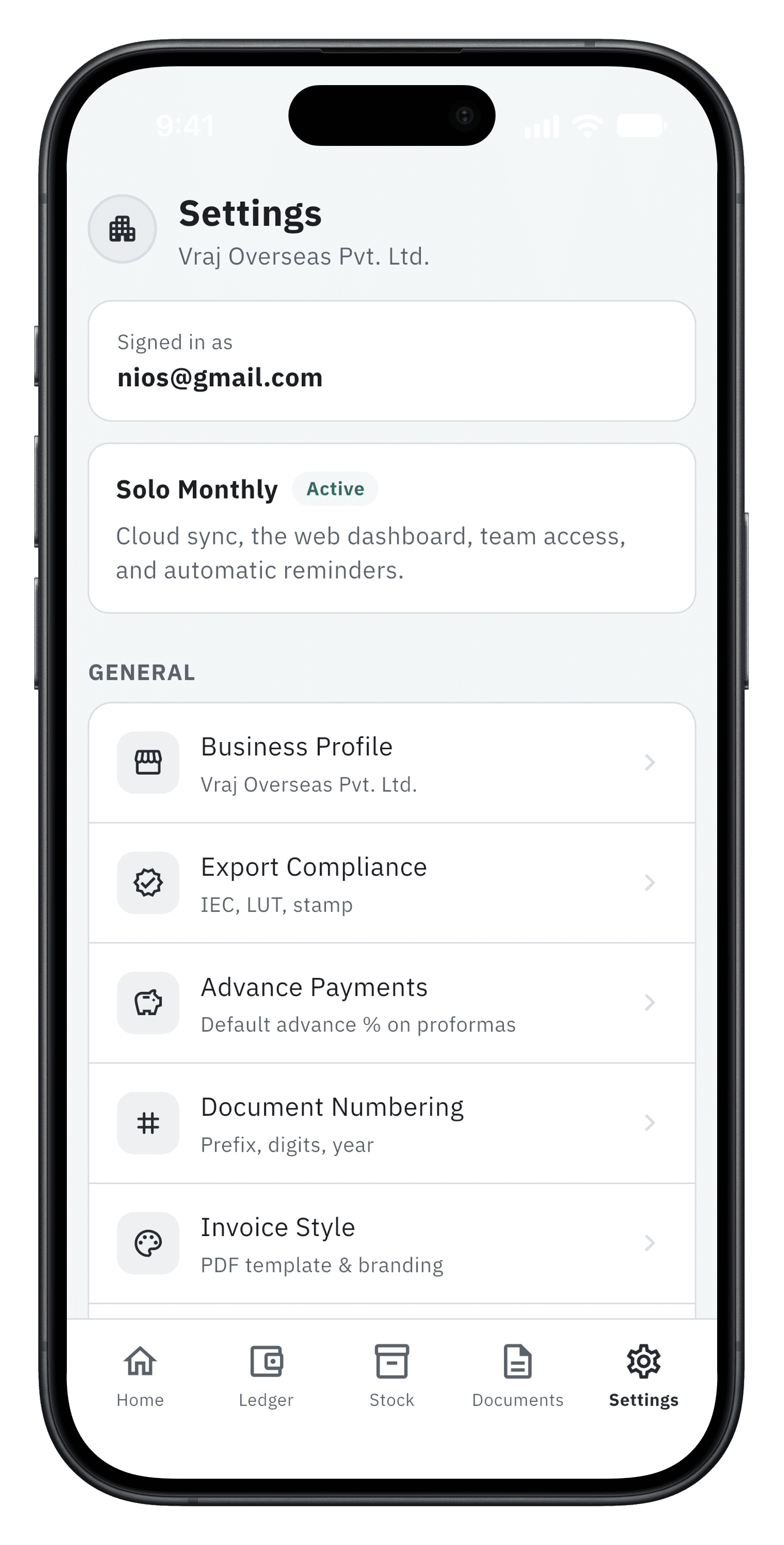
Pick the document type, then set its prefix, padding and year format.
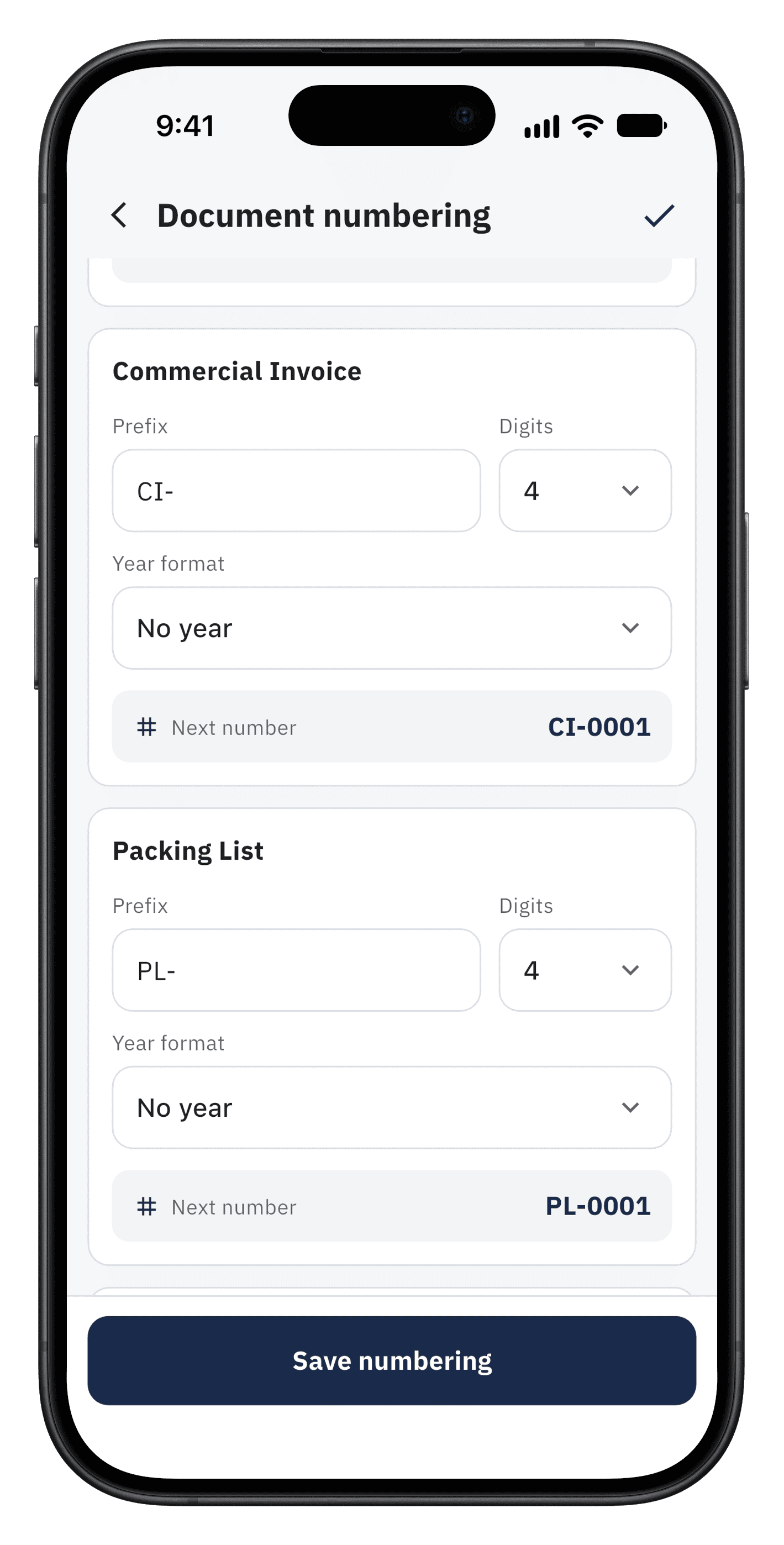
Tap Save. The next number you issue uses the new format.
Frequently asked questions
Will my existing invoice numbers change?
No. The format applies to numbers issued from now on; existing documents keep their numbers.
Was this helpful?