Solutions
Your staff share one login
Everyone uses the owner's login, so everyone can see and change everything — and when an invoice is wrong, nobody knows who changed it.
Why it keeps happening
- Creating separate logins feels like extra setup, so the owner's login gets passed around instead.
- Without separate logins there's no record of who created, edited or sent a document.
How Bilexor handles it
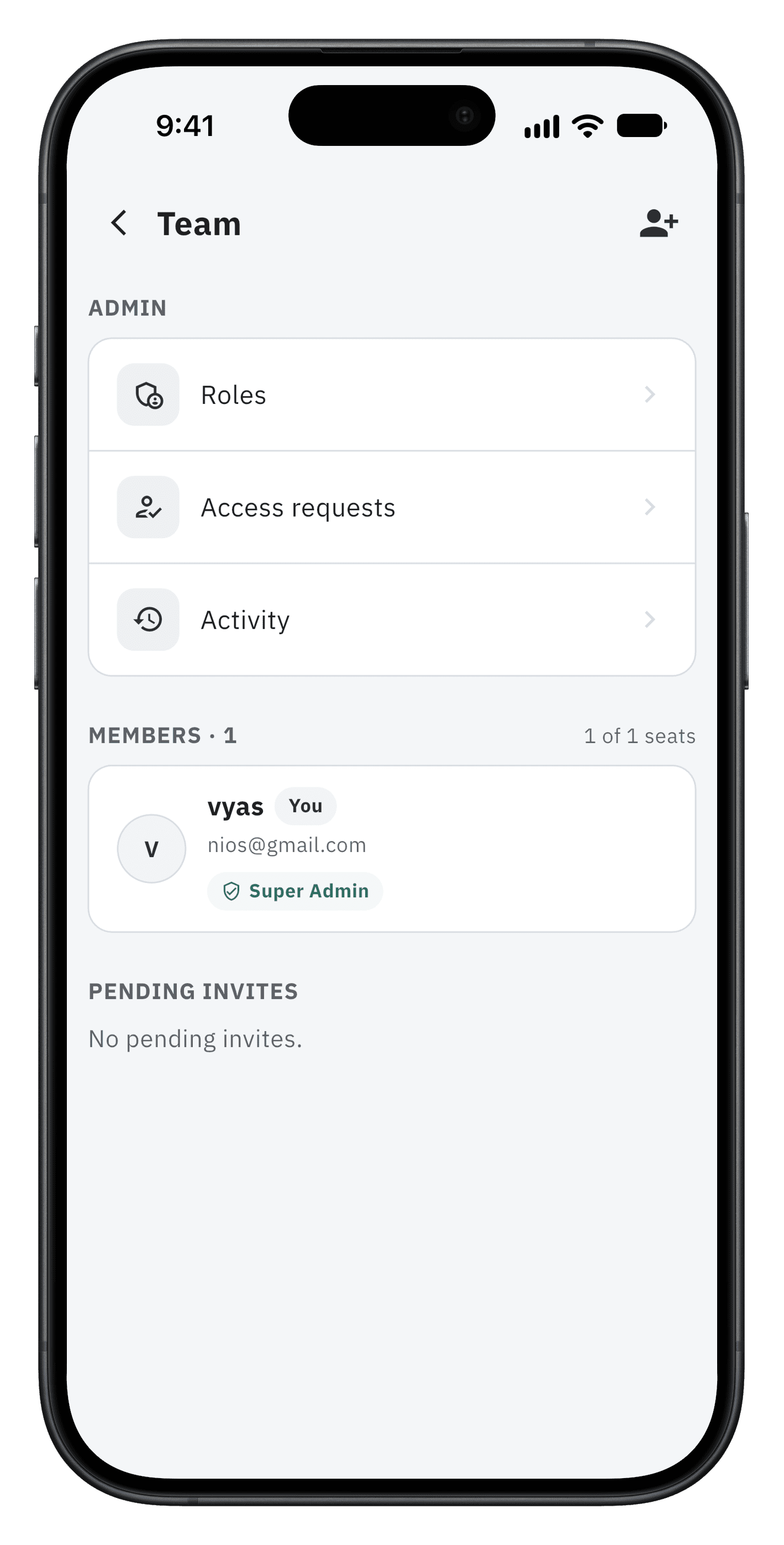
A login for each person
Invite people from Settings → Invite a team member. Team plans cover up to 2 users and Enterprise up to 10.
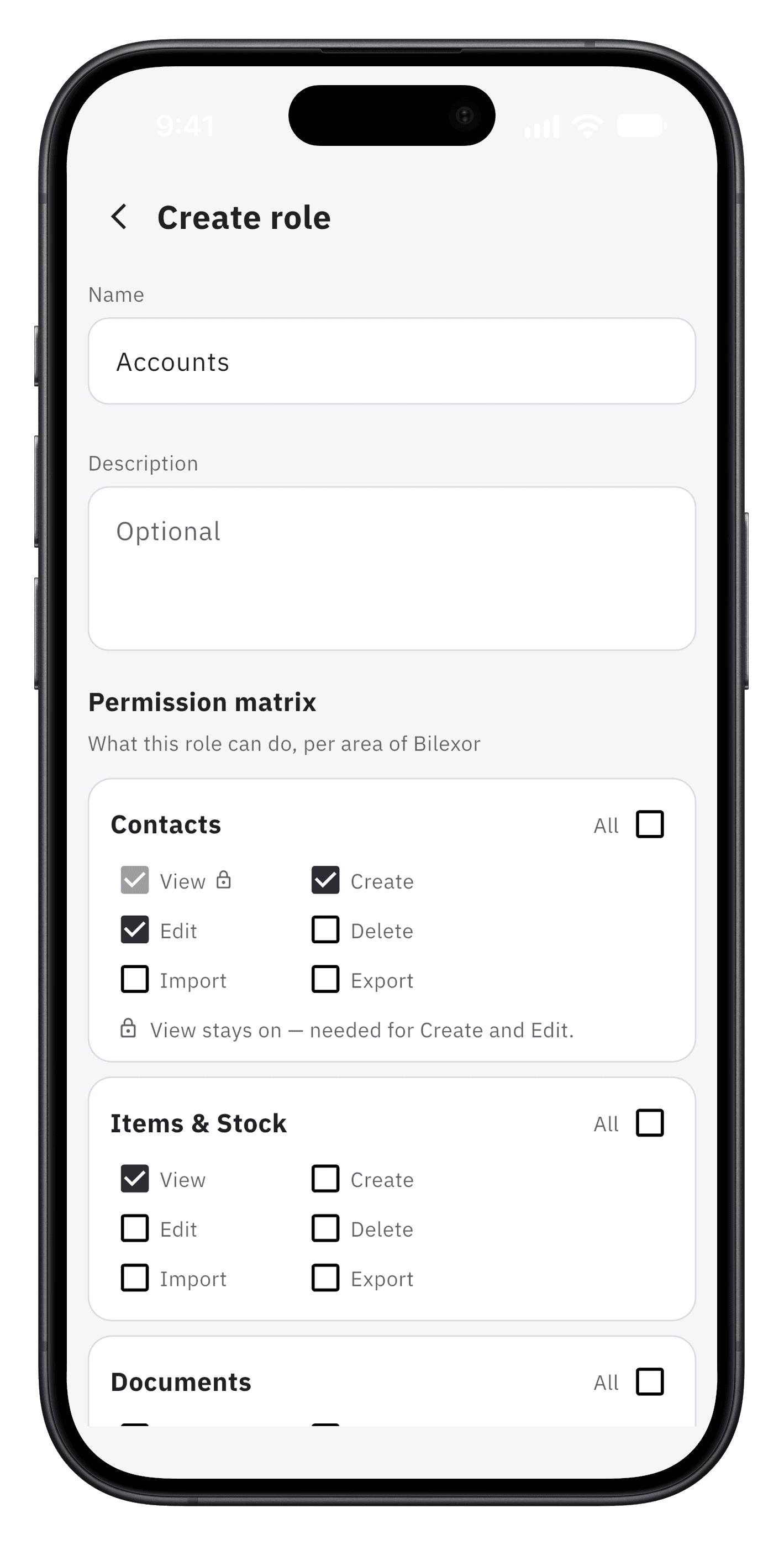
Roles you control
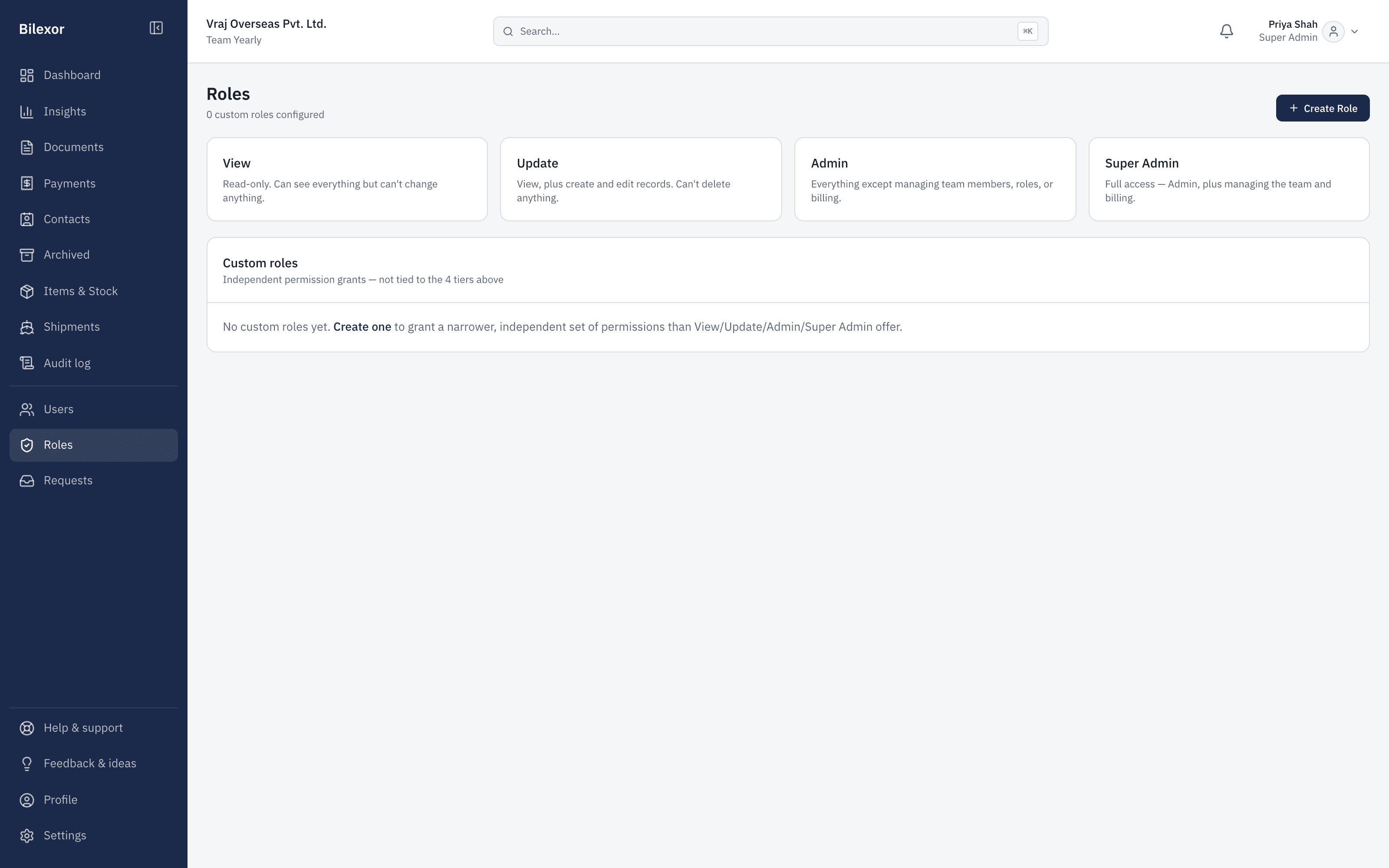
Choose View, Update, Admin or Super Admin, or build your own role with exactly the permissions you want.
Who did what
The activity log and each document's audit log show who created and changed things, and when.
Do it step by step
Each guide covers the phone app and, where it differs, the web dashboard.
Frequently asked questions
Which plans include team members?
Team (up to 2 users) and Enterprise (up to 10).
Does each person pay separately?
No. Everyone in the team works on the team's plan; billing is managed by the team's Super Admin.