Your commercial invoice and packing list don't match
The invoice says 3,000 pieces, the packing list says 2,900. Or the HS code on one is different from the other. Customs asks questions, the bank refuses to pay against the documents, and the shipment waits while you fix papers you typed twice.
Why it keeps happening
- The two documents are typed separately — often in different spreadsheets, by different people, on different days.
- A late change (a short shipment, a new carton count, a corrected HS code) gets made on one document and not the other.
- Nobody checks the set side by side before it goes to the buyer, the CHA or the bank.
How Bilexor handles it
The packing list starts from the invoice
Choose Create packing list on the commercial invoice and Bilexor copies the items, quantities and HS codes across. You only add packages, weights and CBM, and the totals add up for you.
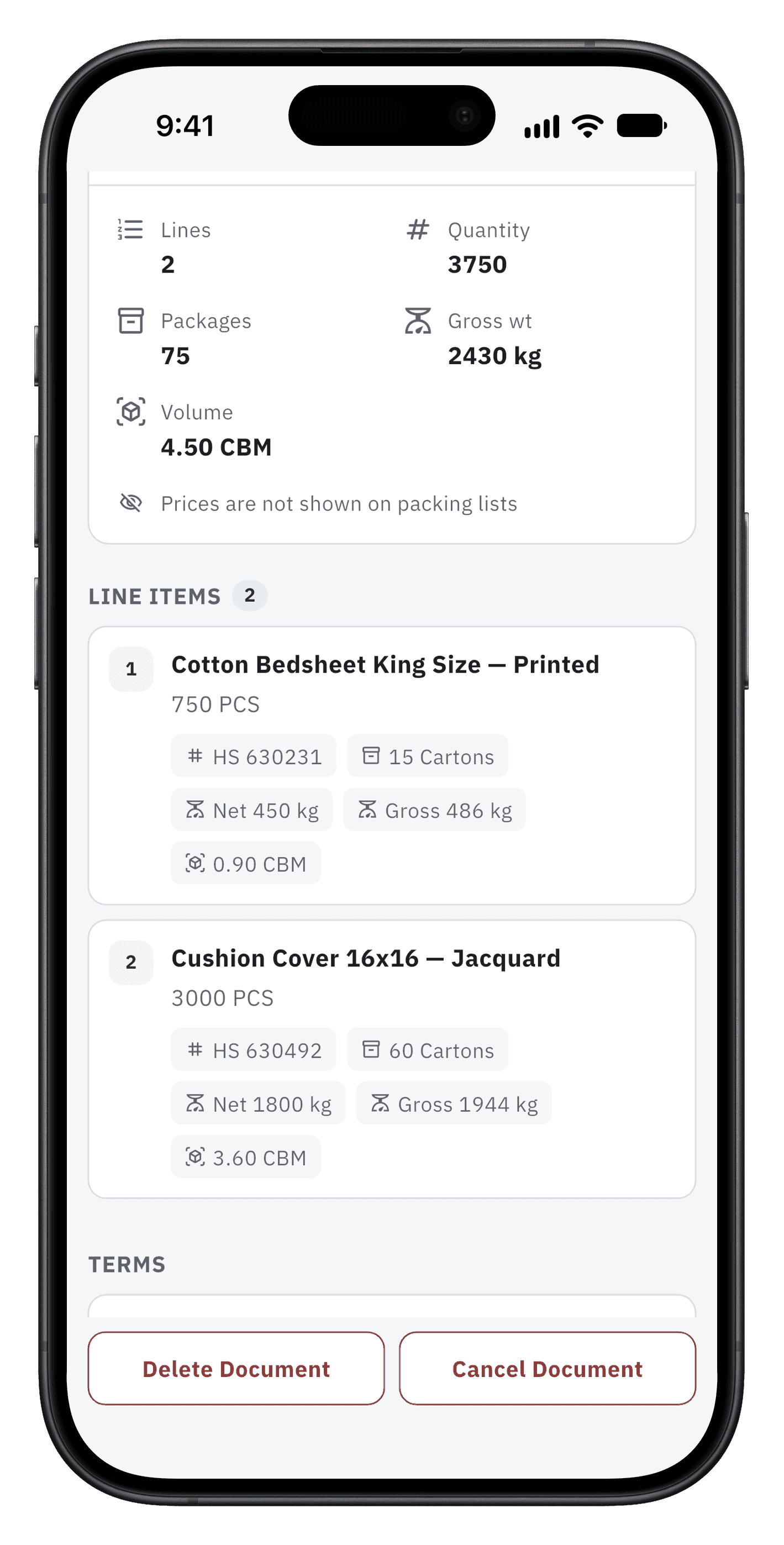
A check before anything leaves
Documents in the same shipment are compared before you share or download: the item list, quantities, HS codes, shipping marks, and the package count against the carton numbers in the marks. Differences are listed, so you fix them first.
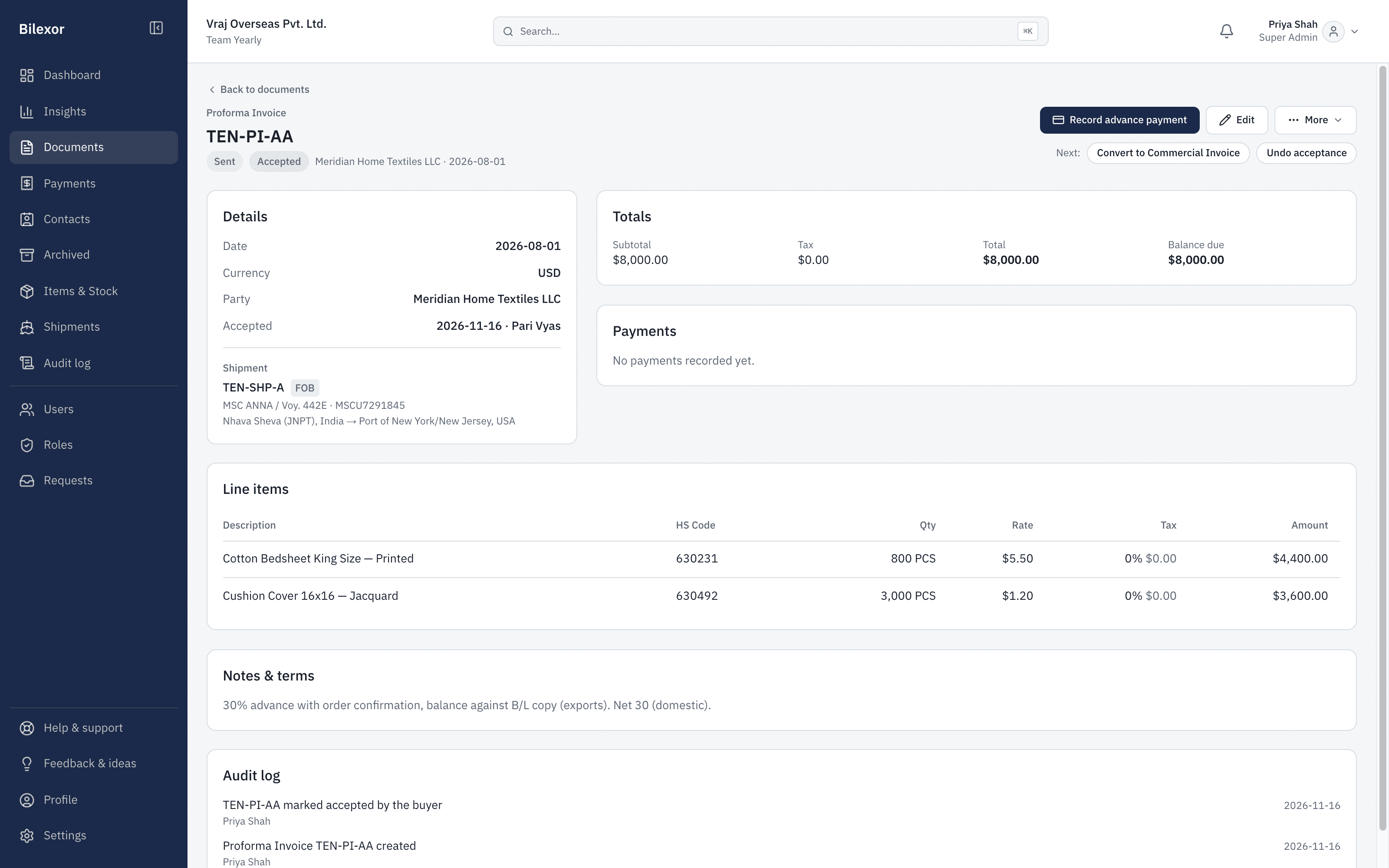
One-tap fix on drafts
For a draft, Bilexor shows exactly what it would change to make it match the other document — and changes it only when you approve.
See the output — real PDFs made in Bilexor:
Do it step by step
Each guide covers the phone app and, where it differs, the web dashboard.
Frequently asked questions
What exactly does Bilexor compare?
For documents in the same shipment: which items appear, the total quantity of each, HS codes, shipping marks, and the packing list's package count against a carton range in the marks (such as C/NO. 1-75).
Will it change my documents without asking?
No. The fix only applies to drafts, and you see the exact changes before you approve them. Sent documents are never changed for you.
Does a proforma have to match the invoice exactly?
No — shipping less than the proforma (a partial or short shipment) is normal. Bilexor only flags items that aren't on the proforma, or more than it lists.