Account & billing
Payment reminders and notifications
AndroidiPhone & iPadWebFREE PLANUpdated 16 Nov 2026
Choose what you're notified about in Settings → Notifications. Paid plans can also turn on automatic payment reminders, and see past notifications from the bell at the top of Home. On the web, Settings has Reminders, Email notifications and Browser notifications.
Step by step
Go to Settings → Notifications and pick what you want.
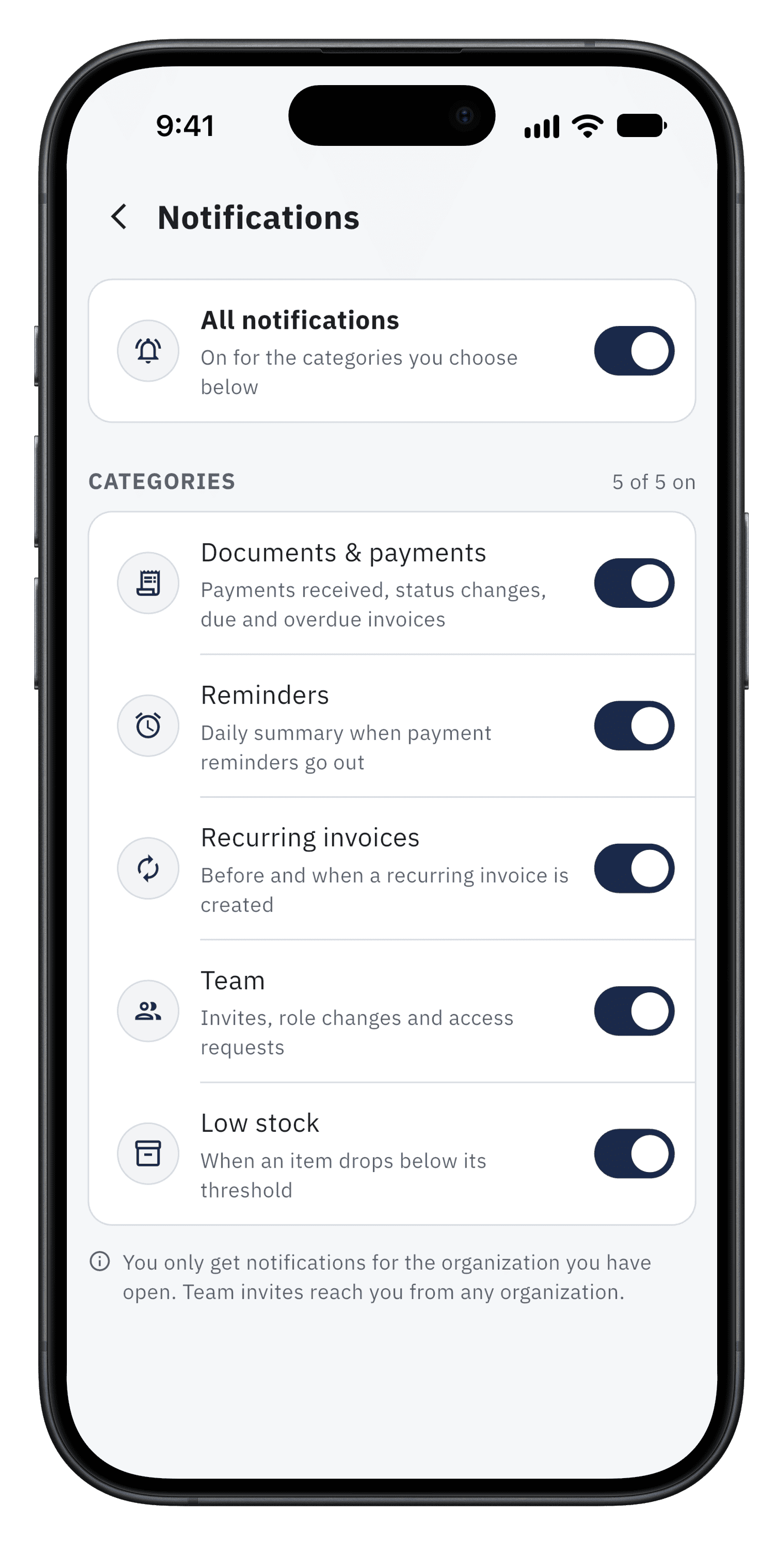
On paid plans, turn on automatic reminders in Settings, and open the bell on Home for your inbox.
Was this helpful?