Account & billing
Delete your Bilexor account and data
AndroidiPhone & iPadWebFREE PLANUpdated 16 Nov 2026
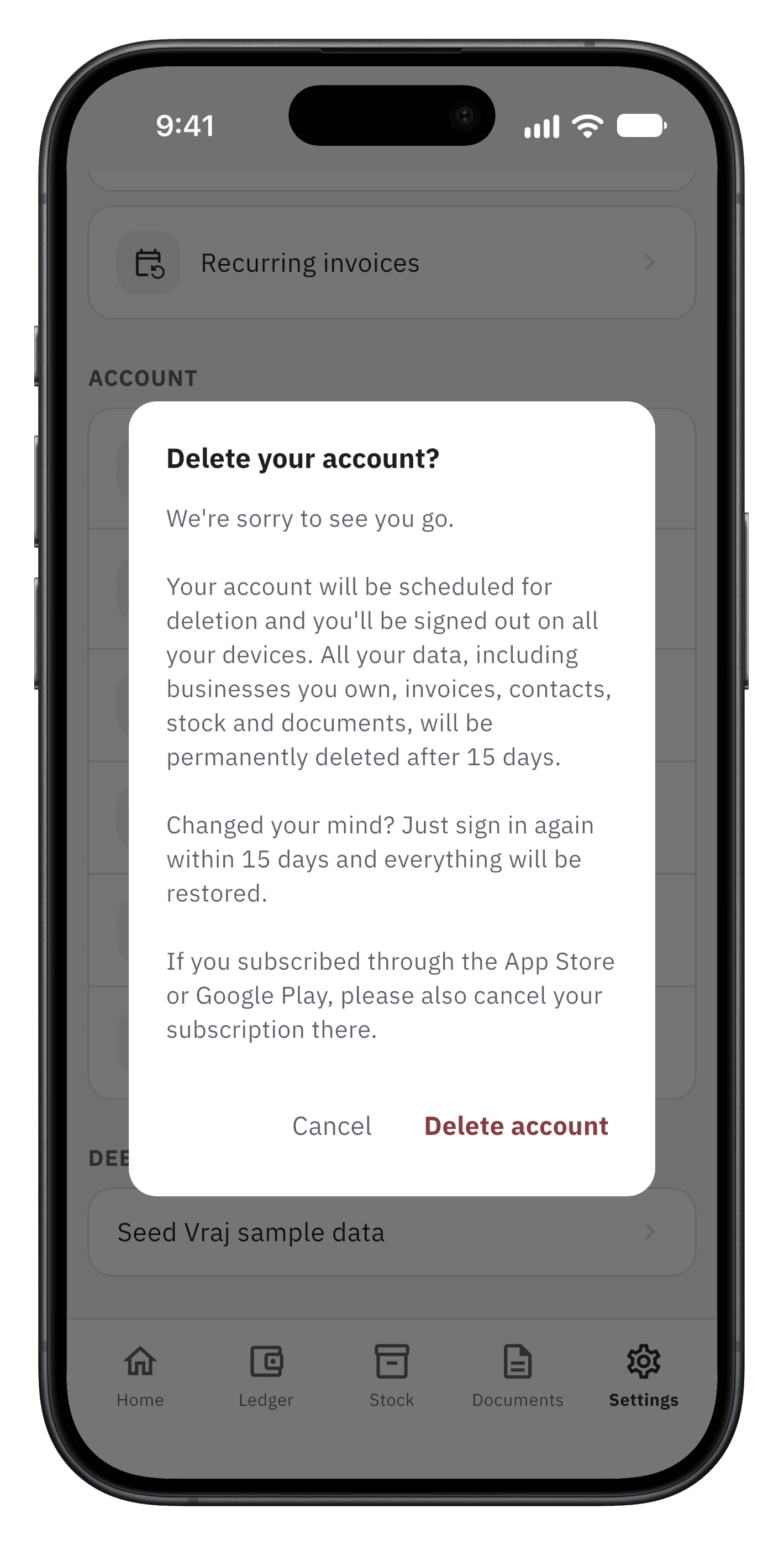
Go to Settings → Delete account and confirm. You're signed out everywhere, and your account and data — including businesses you own — are permanently deleted after 15 days. Sign in again before then to restore everything. Cancel any App Store or Google Play subscription separately.
Step by step
Go to Settings → Delete account and confirm.
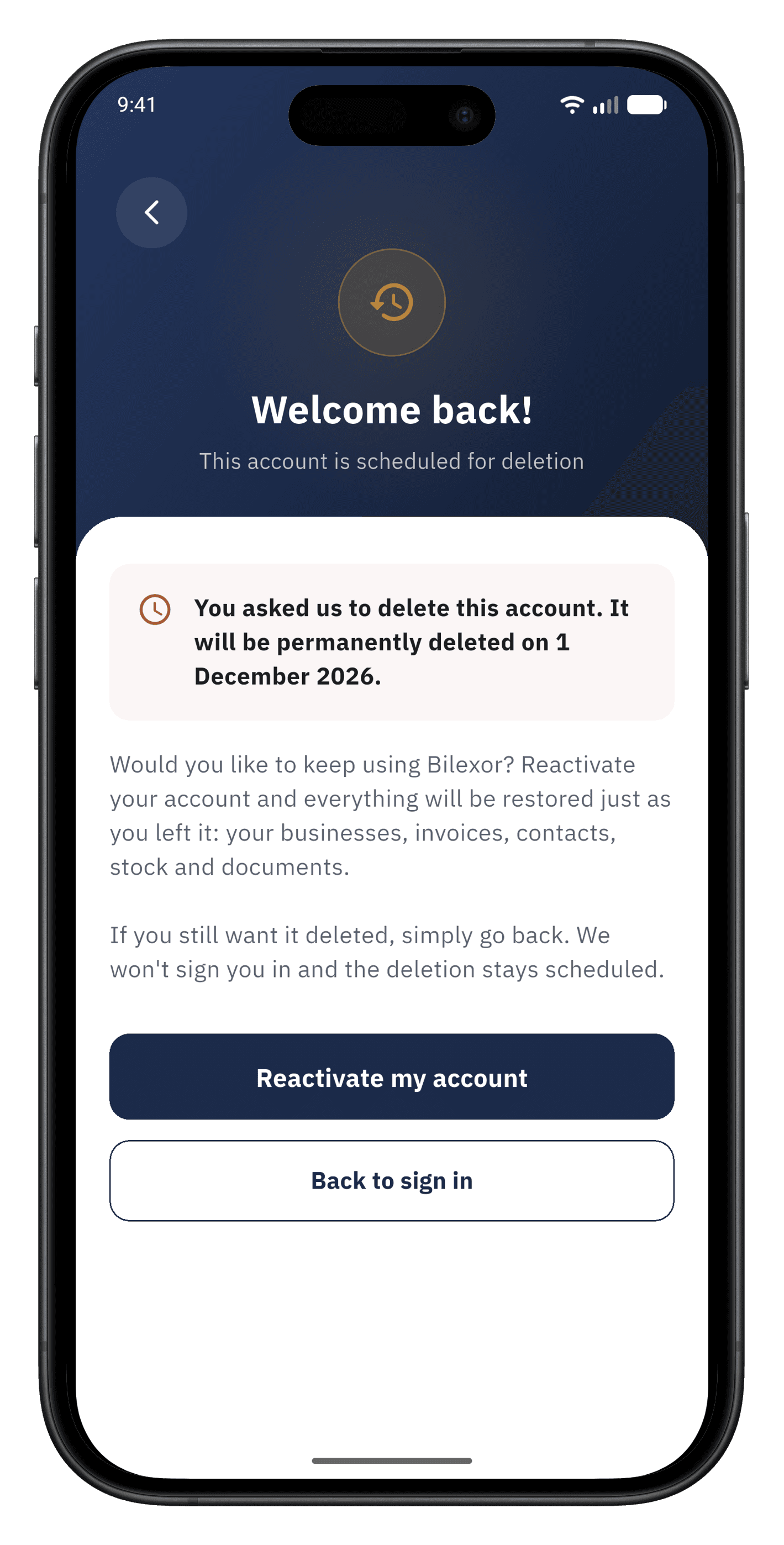
Changed your mind? Sign in within 15 days to restore your account.
Was this helpful?