Account & billing
Upgrade, change or cancel your subscription
AndroidiPhone & iPadWebFREE PLANUpdated 16 Nov 2026
Settings → Manage Subscription shows your plan, billing and payment history. Subscriptions bought on Google Play or the App Store are changed or cancelled in that store's subscriptions page. If you're on a team's plan, billing is managed by the team's Super Admin.
Step by step
Go to Settings → Manage Subscription.
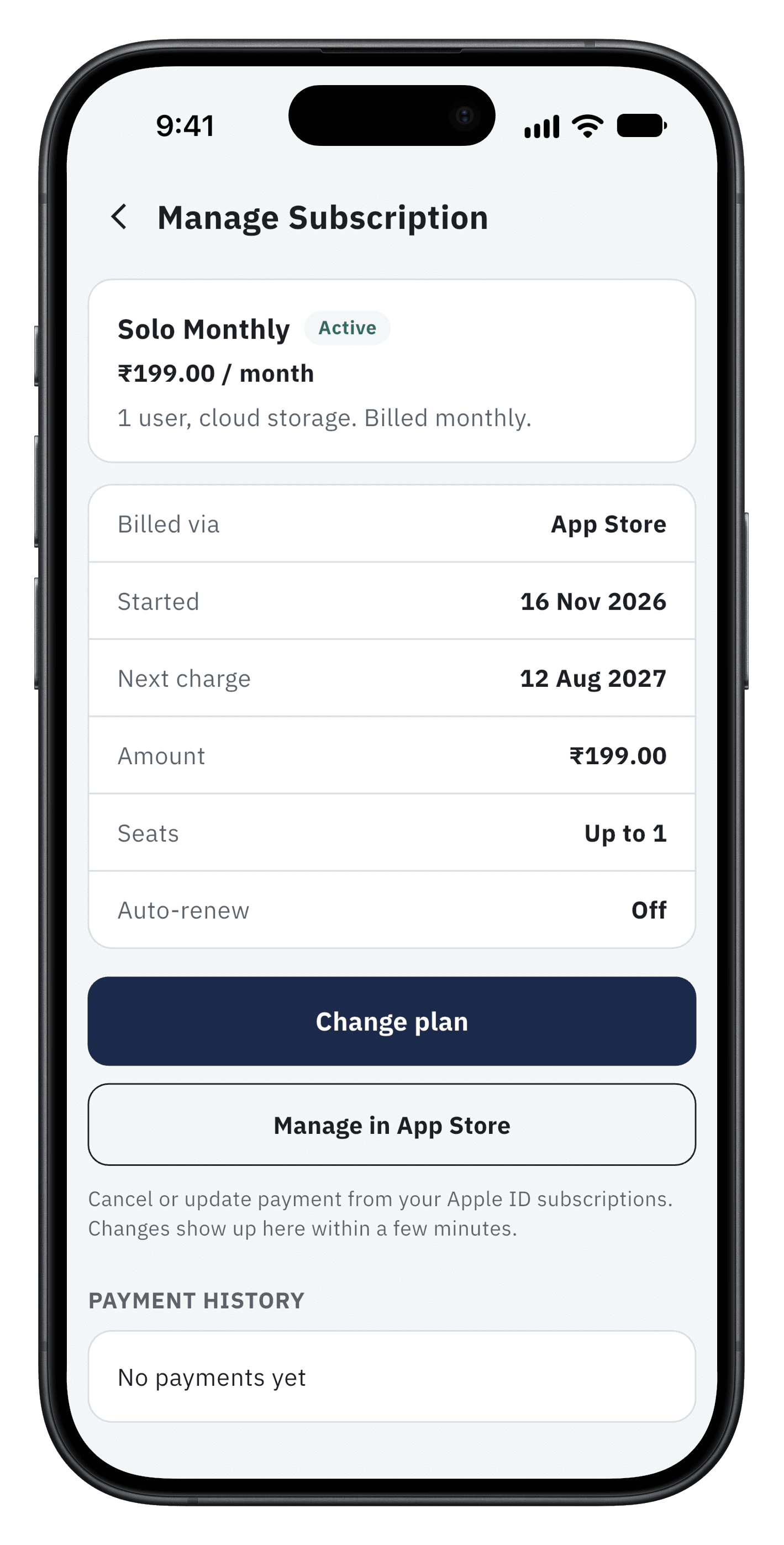
To cancel a store subscription, open Google Play or the App Store's subscriptions page.
Was this helpful?