Items & stock
Add items with HS codes, units and tax rates
AndroidiPhone & iPadWebFREE PLANUpdated 16 Nov 2026
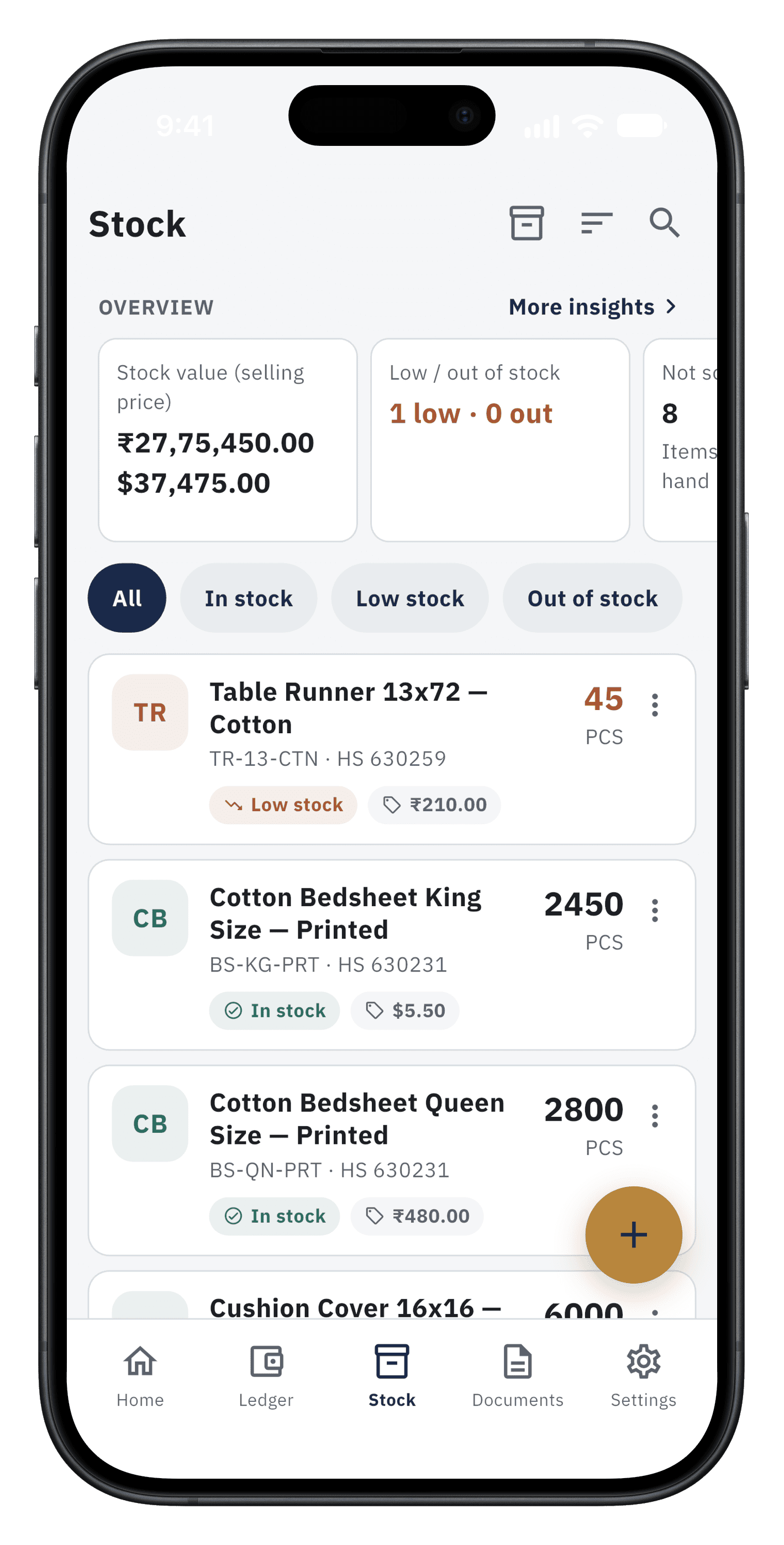
On the Stock tab, tap + to add an item with its name, unit, rate, tax % and HS code, plus an optional SKU, cost price, opening stock and low-stock alert. When you add the item to a document, its HS code and rate fill in on the line, so they're consistent on every invoice.
Step by step
Open Stock and tap +.
Enter the Name, Unit, Rate and tax %, and the HS Code (Optional).
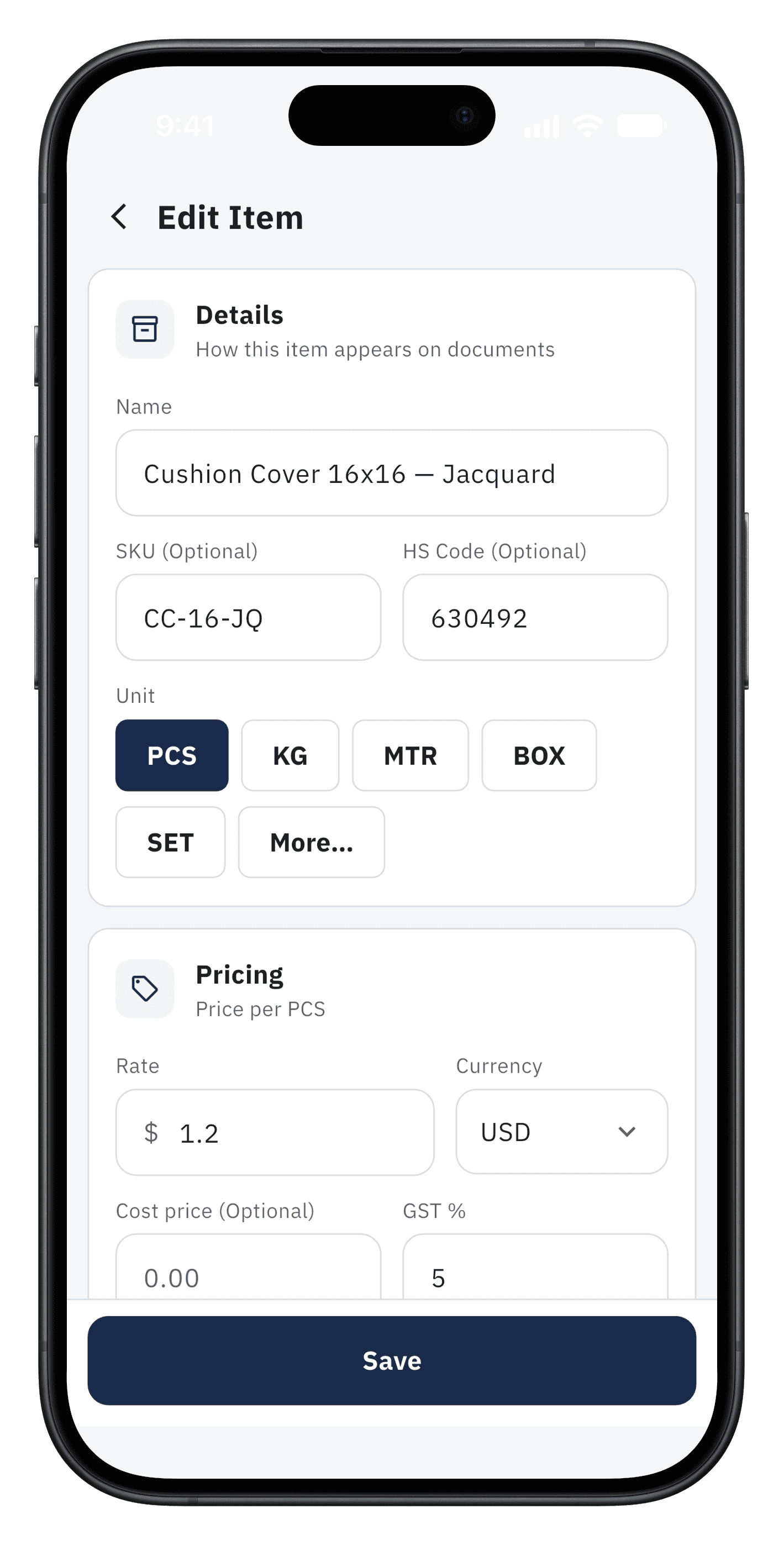
Optionally add SKU, Cost price, Stock on hand and Low stock alert at, then save.
Changing an item's HS code later doesn't change documents you've already made — edit those lines, or Bilexor's mismatch check will flag documents in a shipment that disagree.
Was this helpful?