Not knowing which overseas buyer owes what
Payments come in late, in parts, in different currencies. Working out who still owes what means matching bank credits to invoices by hand — usually right when you need to chase someone.
Why it keeps happening
- Payments are recorded in the bank, invoices in another place, and the link between them lives in someone's head.
- Part payments and advances make the true balance per buyer hard to see at a glance.
How Bilexor handles it
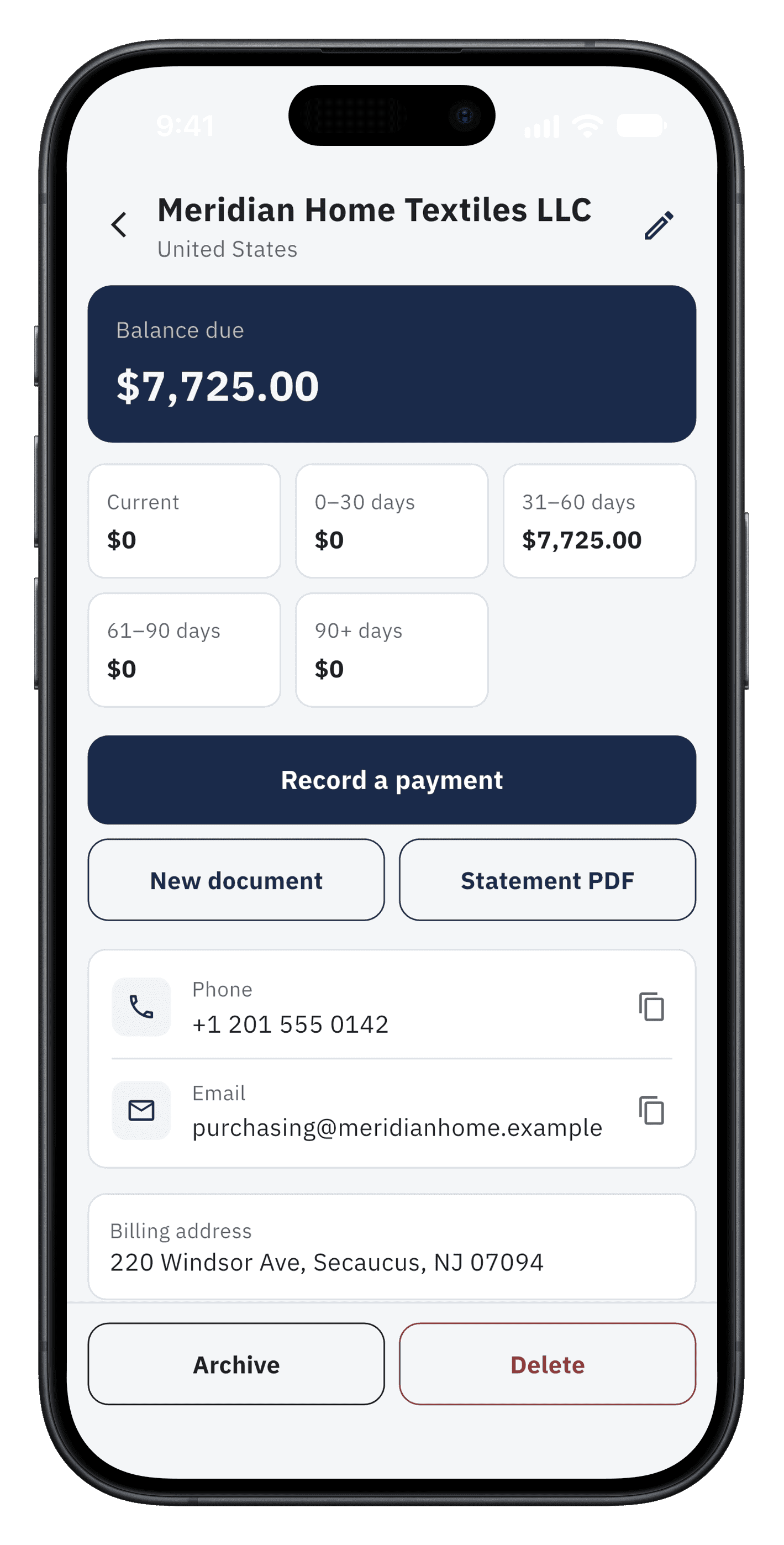
Each buyer's ledger
Open a customer to see their ledger and outstanding balance, aged into 0–30, 31–60, 61–90 and 90+ day bands. Each contact keeps its own currency.
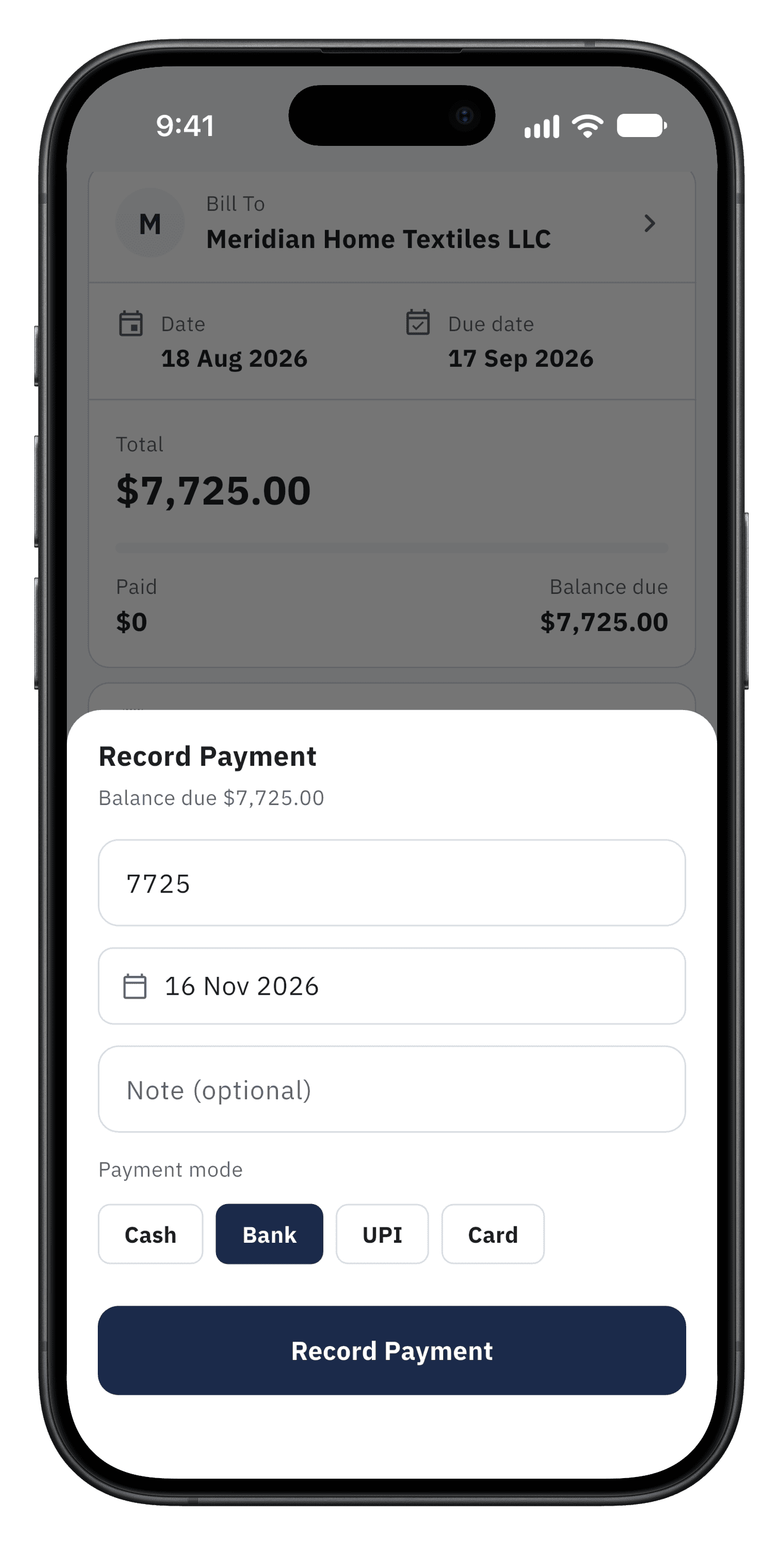
Payments against invoices
Record full or part payments on the invoice. The balance due and the buyer's outstanding update every time.
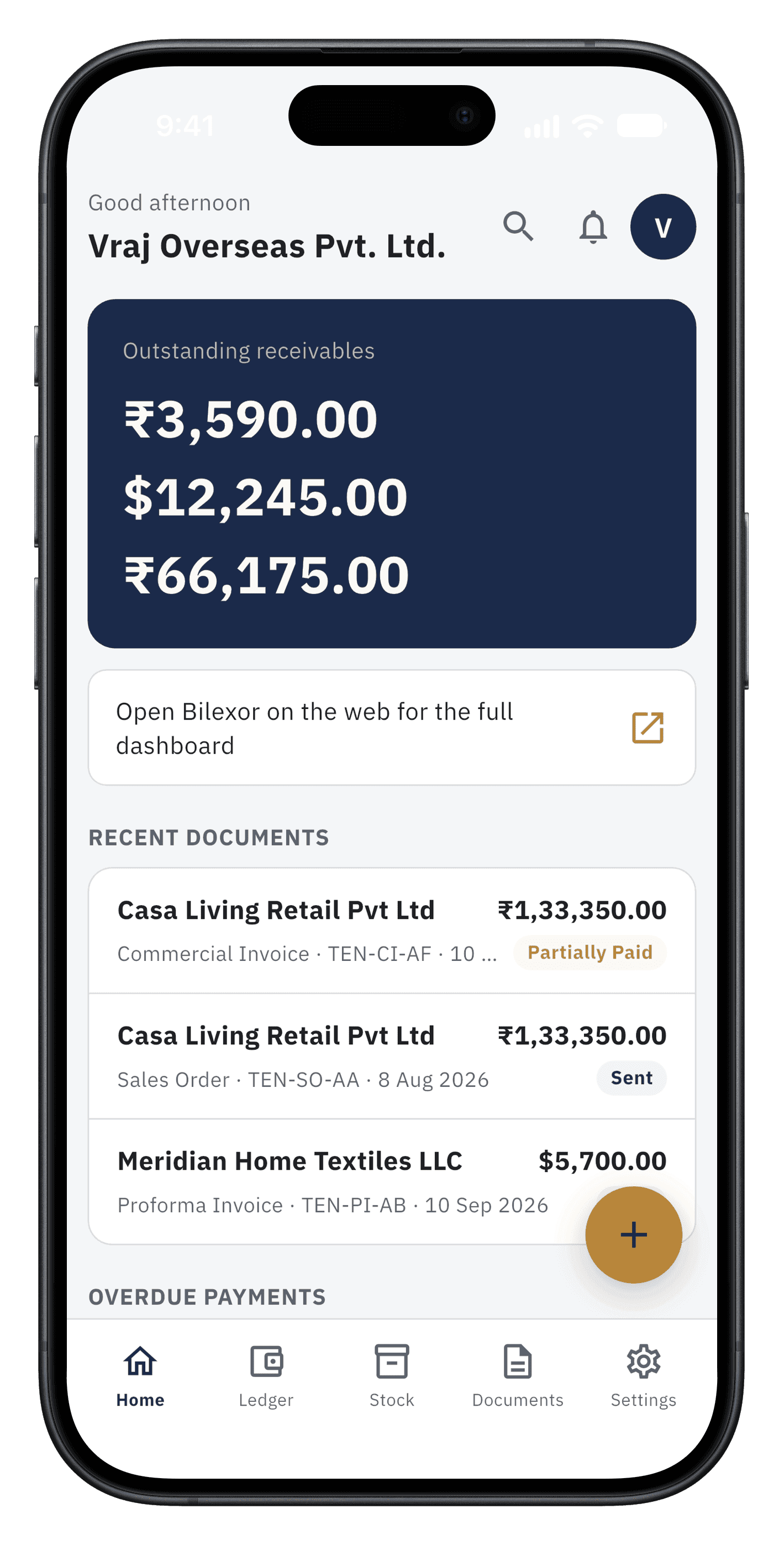
The total on Home
Home shows what you're owed in total as soon as you open the app, and paid plans can send automatic payment reminders.
Do it step by step
Each guide covers the phone app and, where it differs, the web dashboard.
Frequently asked questions
Can I record a payment that covers only part of an invoice?
Yes. Record each part as it arrives; the invoice keeps the balance due.
Does Bilexor connect to my bank?
No. You record payments as they come in — it keeps them matched to the right invoice and buyer.