Items & stock
Track stock levels as you invoice
AndroidiPhone & iPadWebFREE PLANUpdated 16 Nov 2026
The Stock tab shows how much of each item you have. Invoicing goods takes them out, and purchase orders show as incoming until you mark them received. Set a low-stock alert per item, and use Adjust stock to correct a count after a stocktake.
Step by step
Open Stock to see stock on hand per item, with any incoming quantity.
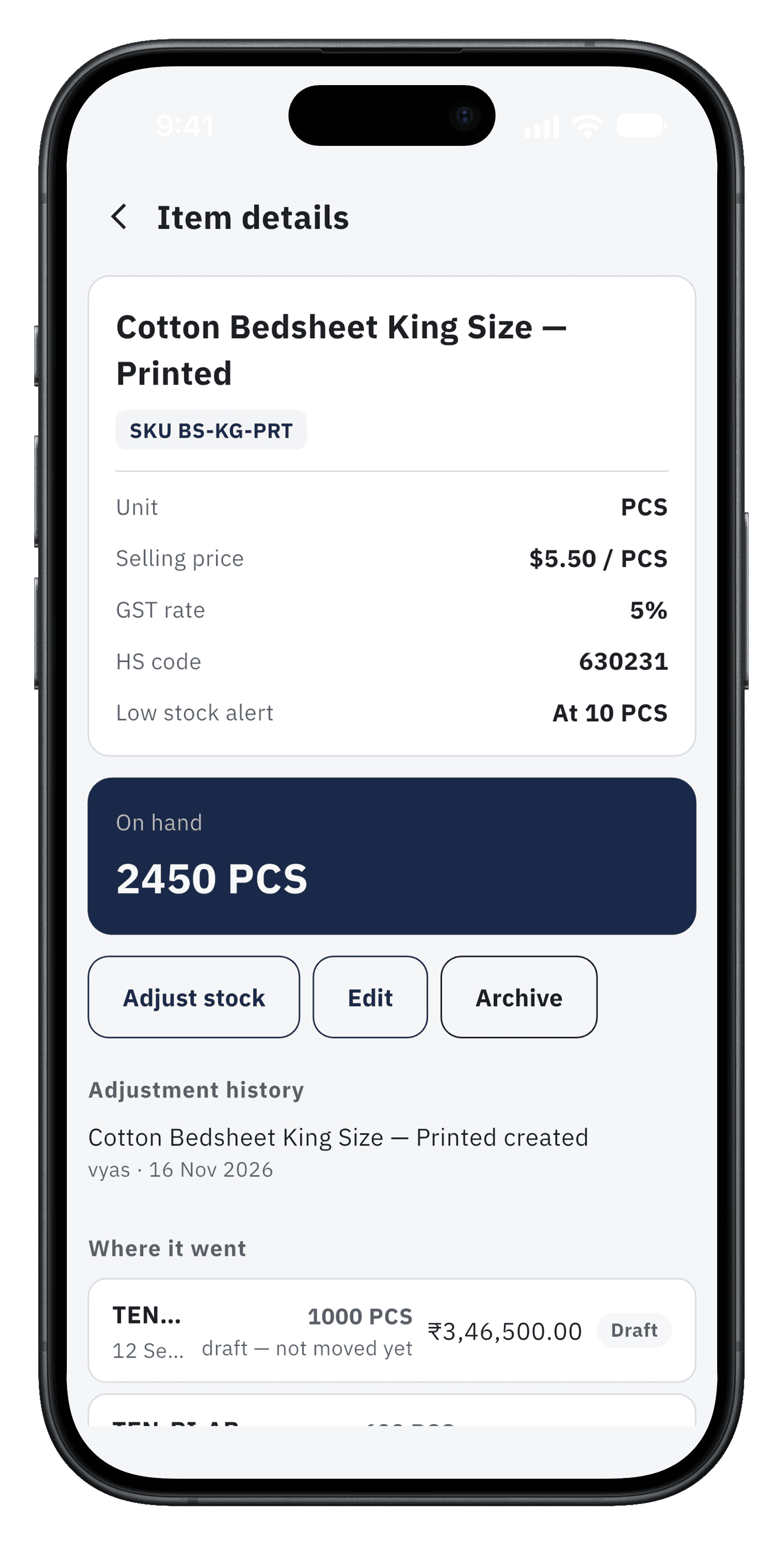
Open an item and tap Adjust stock to correct the count.
Set Low stock alert at on the item to be warned before you run out.
Was this helpful?