Team
Invite your team and set what each role can do
AndroidiPhone & iPadWebPROUpdated 16 Nov 2026
Go to Settings → Invite a team member, enter their email and choose a role: View, Update, Admin or Super Admin — or a custom role you build under Roles. They join from the invite link. Team allows up to 2 users and Enterprise up to 10.
Step by step
Go to Settings → Invite a team member (or Users under Authorization).
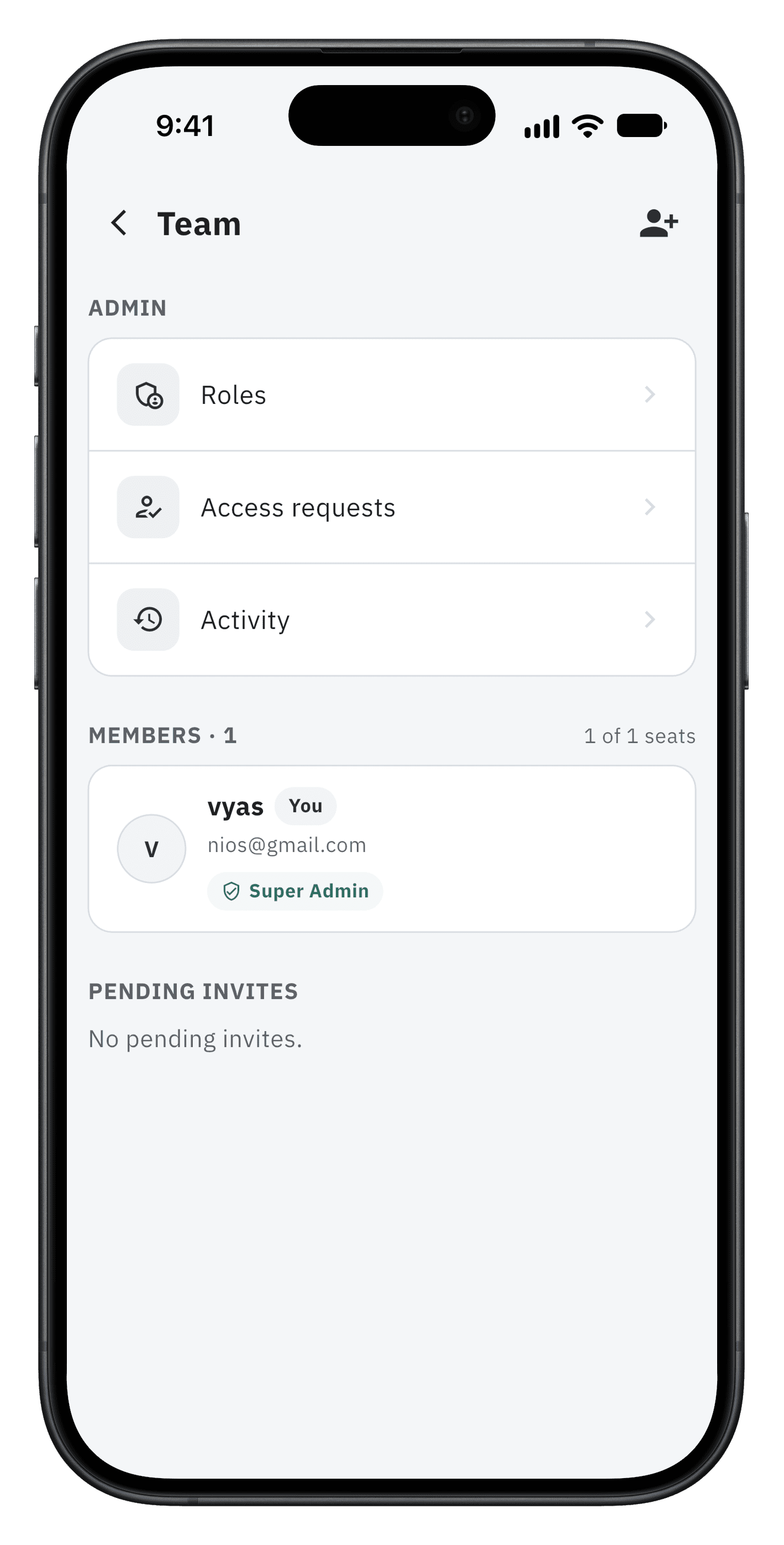
Enter their email and choose a role.
To fine-tune permissions, open Roles and edit or create a role.
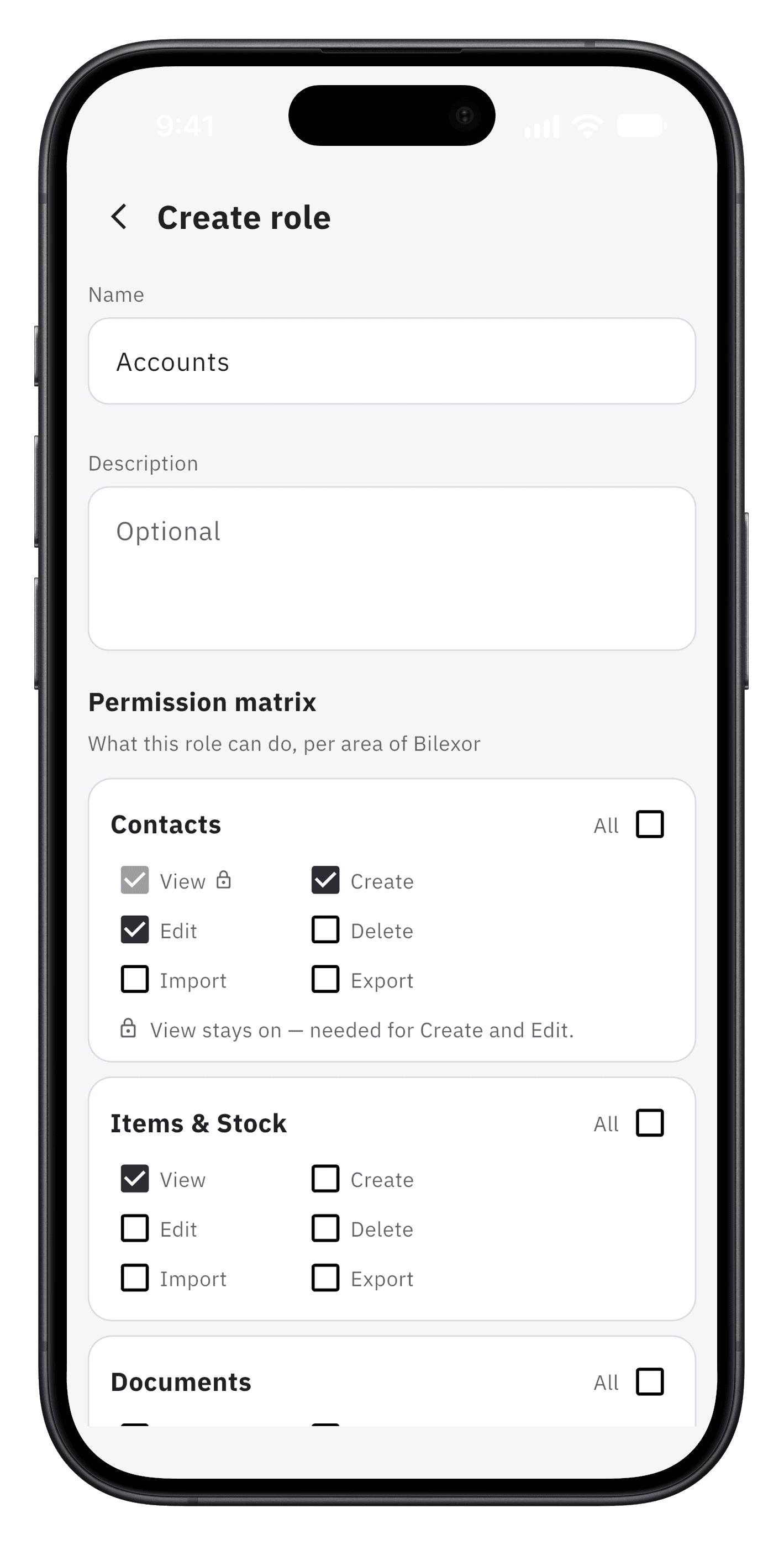
People who ask to join show up under Request.
Was this helpful?