Reports, GST & your accountant
Export GSTR-1, GSTR-3B and Tally files for your accountant
AndroidiPhone & iPadWebPROUpdated 16 Nov 2026
Go to Settings → Export (CSV, GST, Tally), choose the date range, and export GSTR-1, GSTR-3B or Tally files built from your invoices. They're data exports for you or your accountant to review — Bilexor doesn't file anything with GSTN or generate e-invoices.
Step by step
Go to Settings → Export (CSV, GST, Tally).
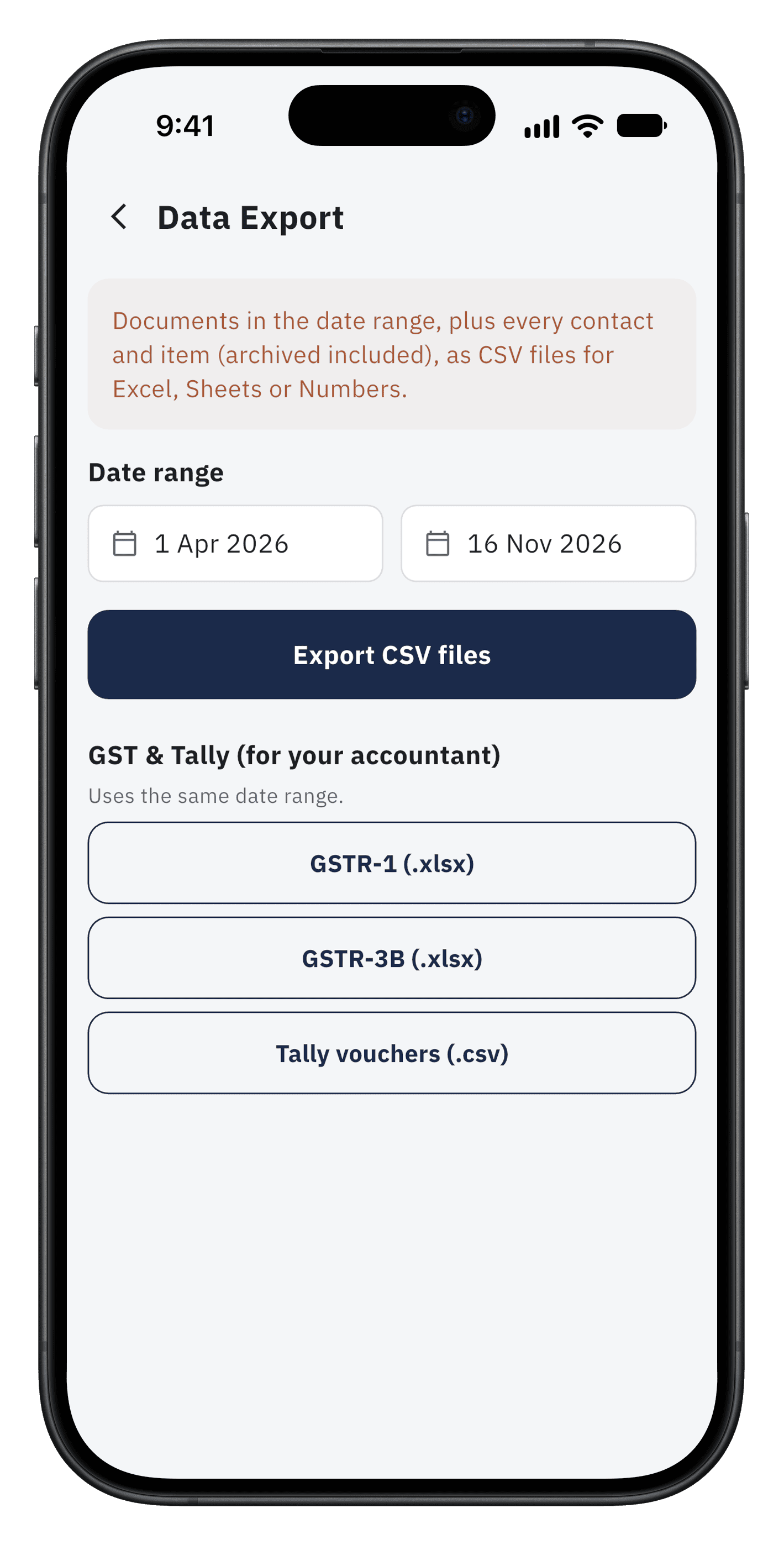
Set the Date range.
Export the GSTR-1, GSTR-3B or Tally file and share it with your accountant.
Always review exports before filing. Bilexor doesn't submit returns, generate IRNs or handle customs.
Was this helpful?