Reports, GST & your accountant
Export documents, contacts and items to CSV
AndroidiPhone & iPadWebPROUpdated 16 Nov 2026
Go to Settings → Export (CSV, GST, Tally). Export your documents for a date range, or your contacts or items, as CSV files you can open in Excel or Google Sheets.
Step by step
Go to Settings → Export (CSV, GST, Tally).
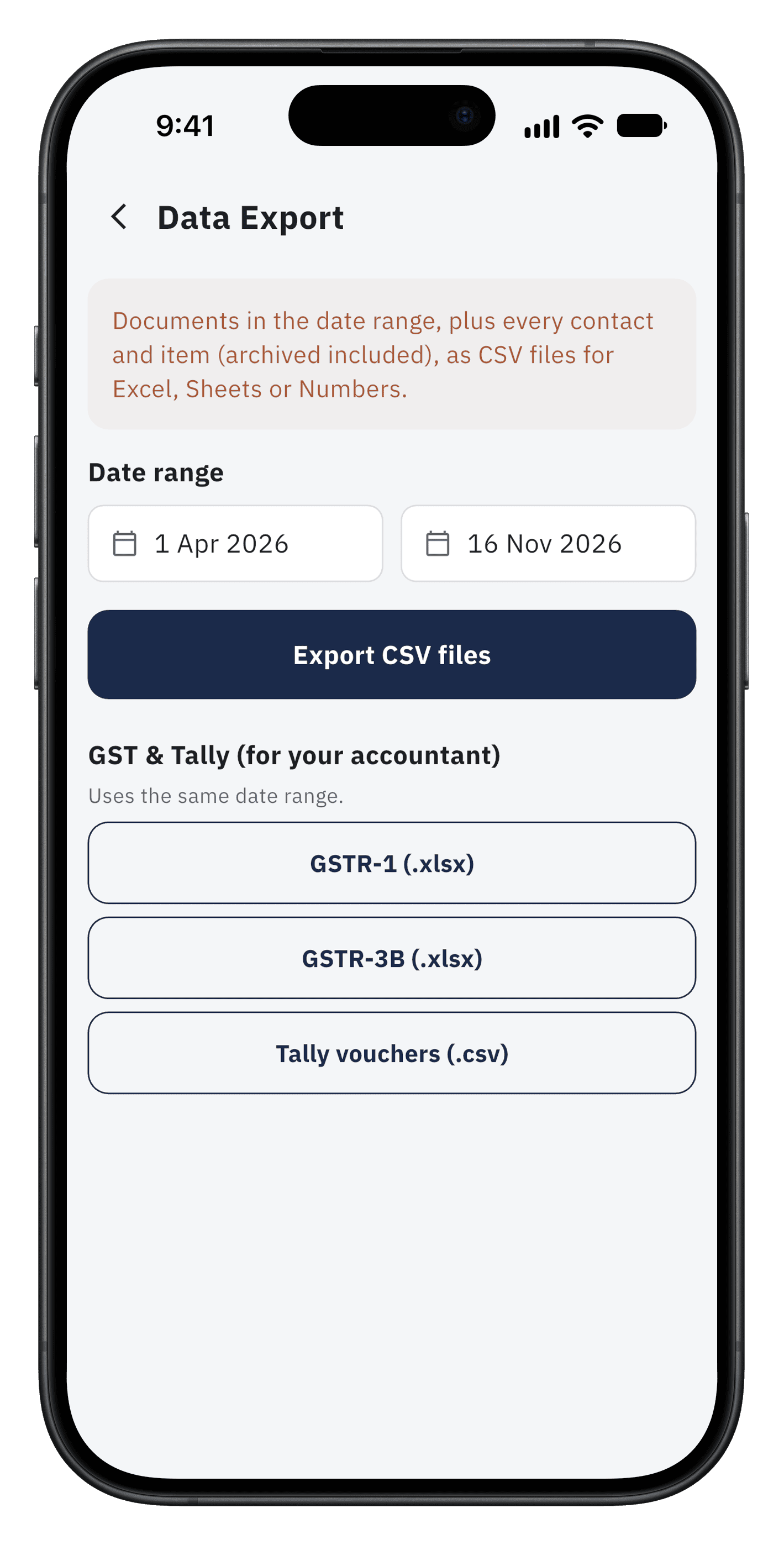
Pick documents (and a Date range), contacts or items, and export the CSV.
Was this helpful?