Contacts & ledger
Add a buyer or supplier with address and tax IDs
AndroidiPhone & iPadWebFREE PLANUpdated 16 Nov 2026
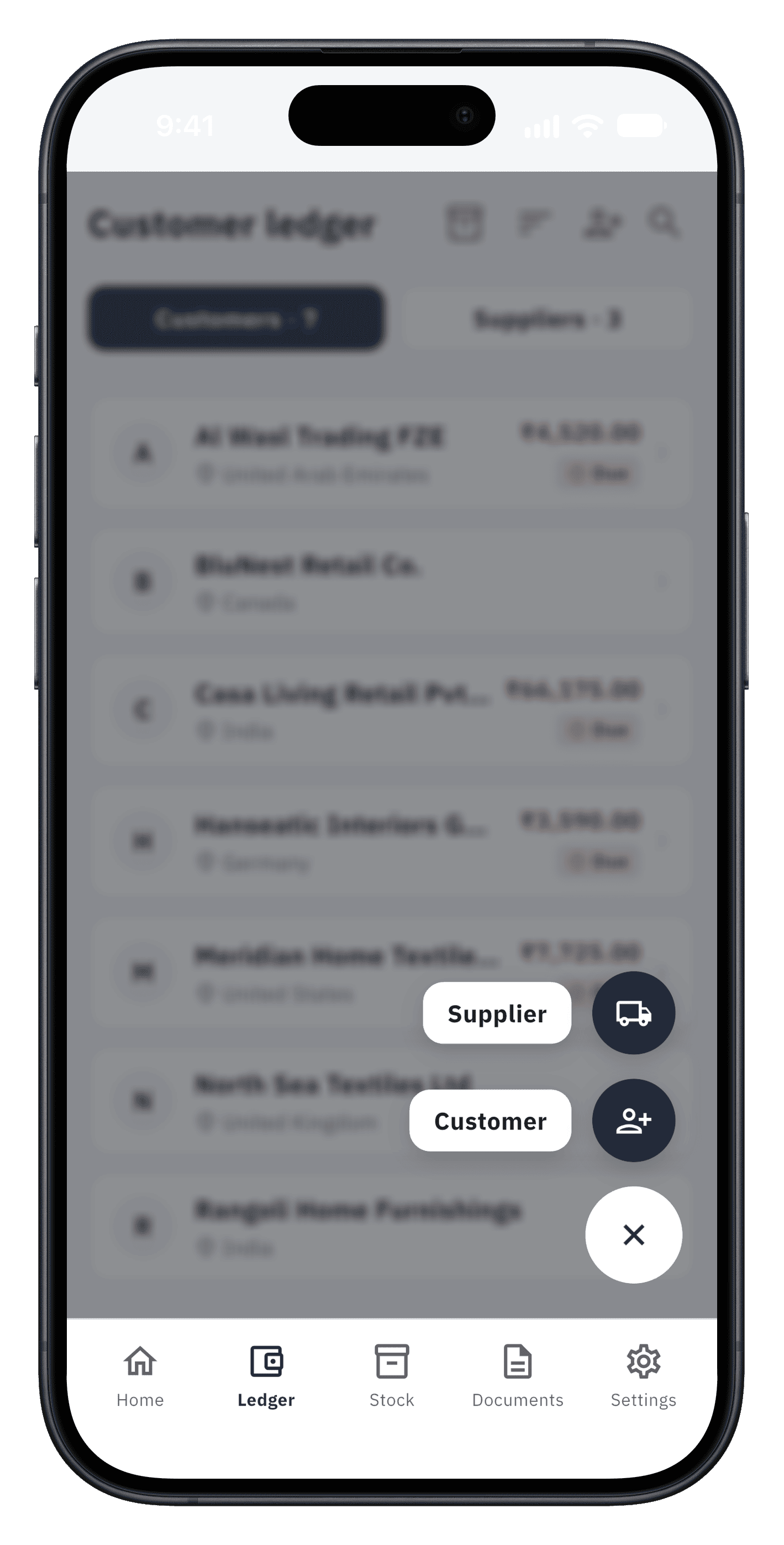
On the Ledger tab, tap + and choose Customer or Supplier. Enter the name, country, currency, billing and shipping address, tax ID type and number, payment terms and any opening balance. Every document for that contact fills these in automatically.
Step by step
Open Ledger, tap + and choose Customer or Supplier.
Enter the Name, Country, Currency, Billing address and Shipping address.
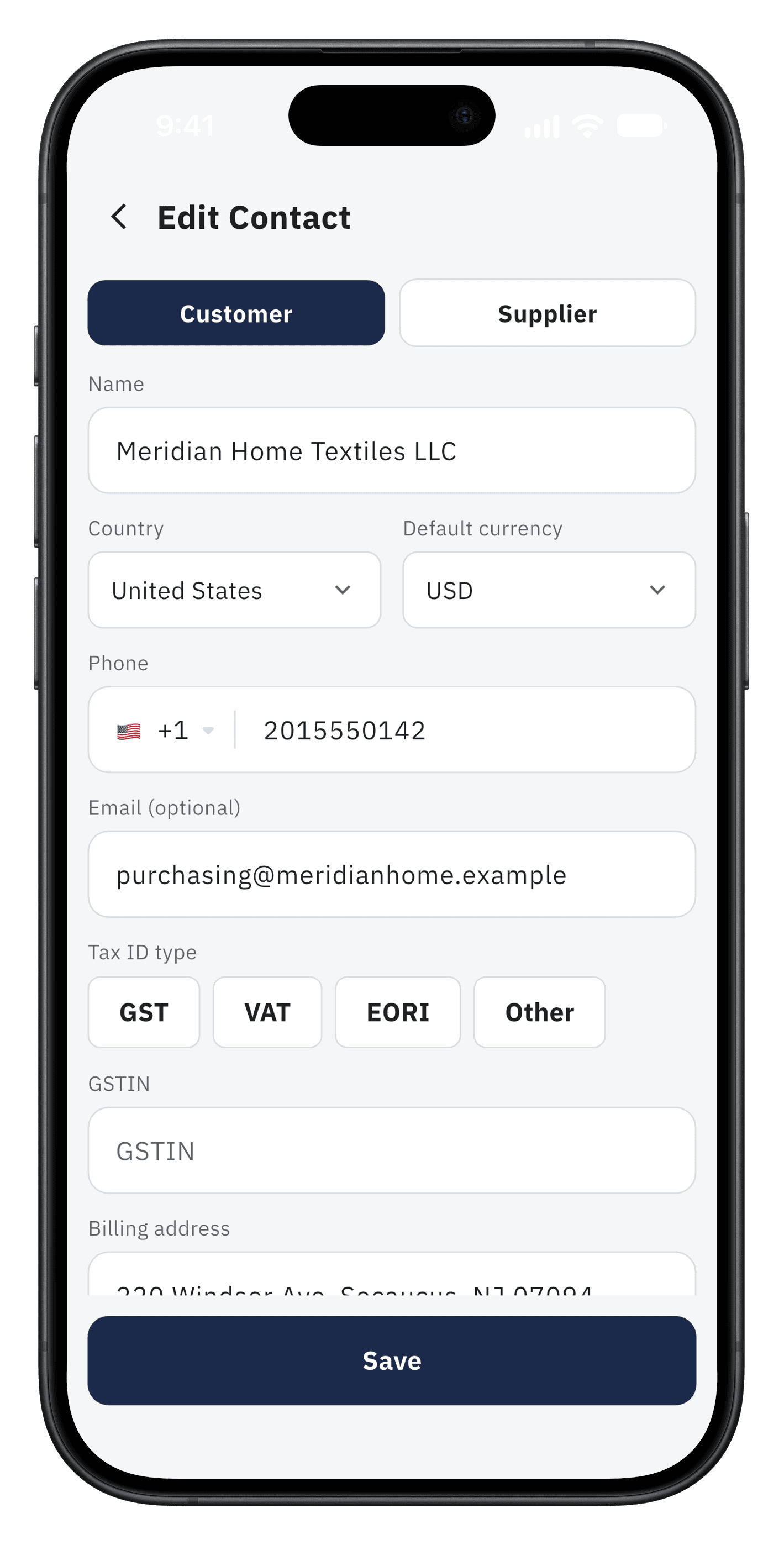
Add the Tax ID type and number, Payment terms and any Opening balance, then save.
Was this helpful?